
To use the auto-update feature of VillaTheme plugins, you will have to fill in your Envato Purchase Code in Update Tab.
To find your Envato Purchase code,
- At first, please visit CodeCanyon.net and log in your Envato account.
- Hover the mouse over your username at the top of the screen.
- Click ‘Downloads’ from the drop-down menu.
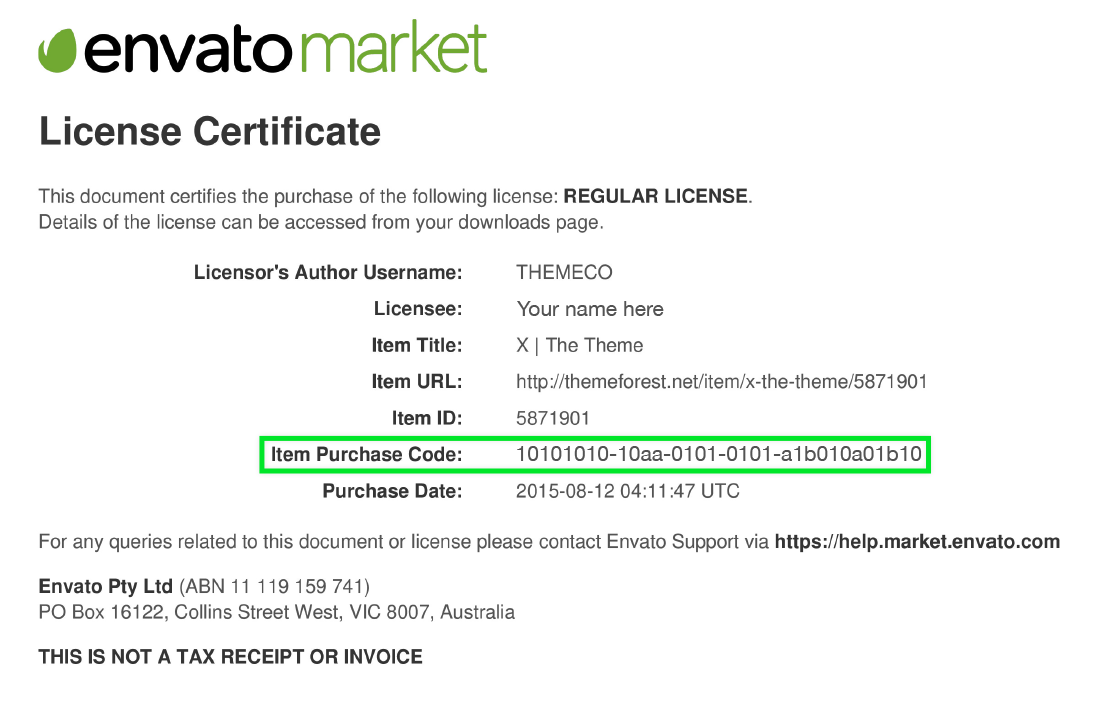
- Find the plugin you need its purchase code and then click ‘License certificate & purchase code’ (available as PDF or text file).
Envato purchase code example:
Watch this video for a very detail guiding “How to find my Envato Purchase Code”