
👉 You are using WooCommerce Email Template plugin to customize the WooCommerce Email notifications. In some cases, you prefer removing the price column in the Order Detail Table.
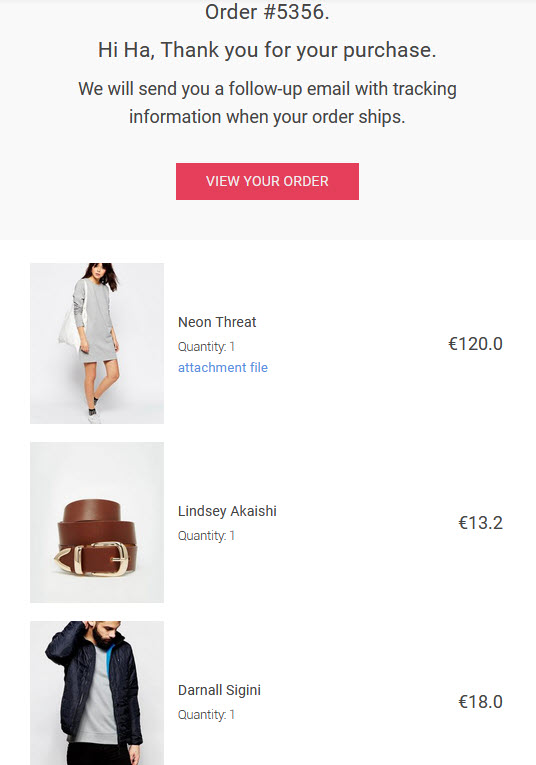
🌟 This knowledge base guides you on how to hide the price column in the Order Detail table with a very simple step.
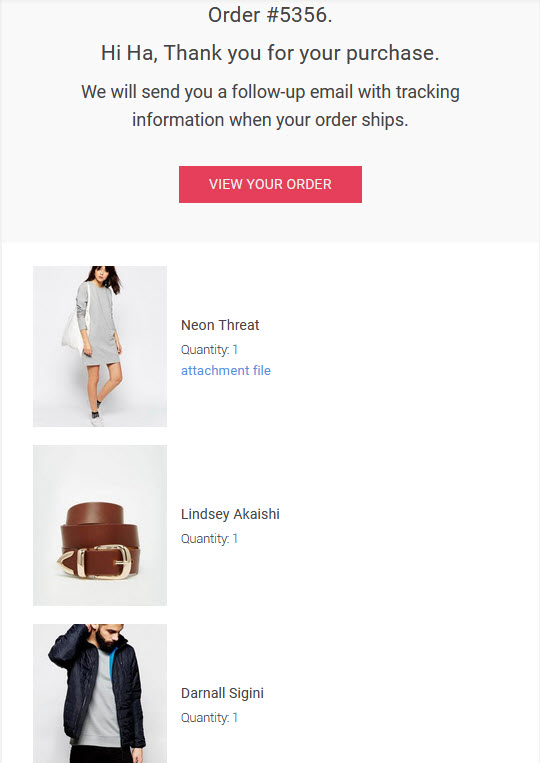
Step 1: Go to email types you want to hide the price column.
Step 2: Go to the Custom CSS section.
Step 3: Add this Custom CSS:.woocommerce-Price-amount{display:none !important}
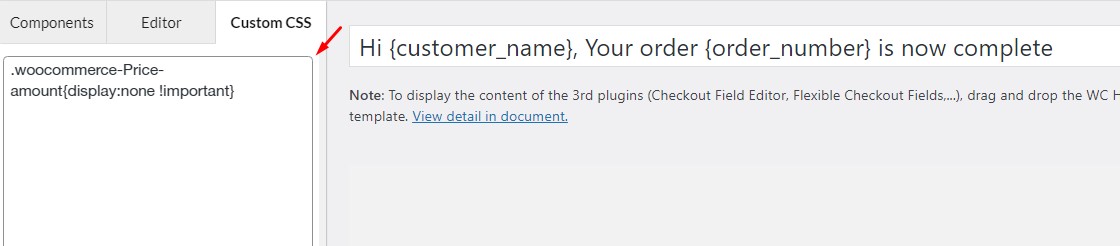
Step 4: Save the setting.
Then you can try again with orders and see how the price column hides wonderfully.