Description
WooCommerce Thank You Page Customizer allows you to customize your “Thank You” page which gives coupons to customers and shows up-sell products after a successful order.
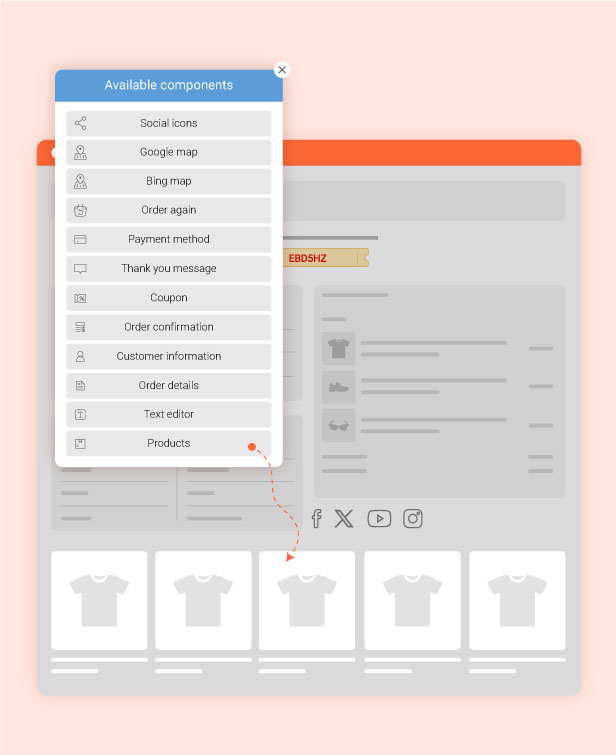
Drag & Drop Thank You Page Design Builder
Easily design your own custom Thank You page using a simple drag & drop builder. You can add, remove, and arrange elements to create a personalized post-purchase experience that improves customer satisfaction and encourages repeat purchases.
Multiple Thank You Page Templates with Display Conditions
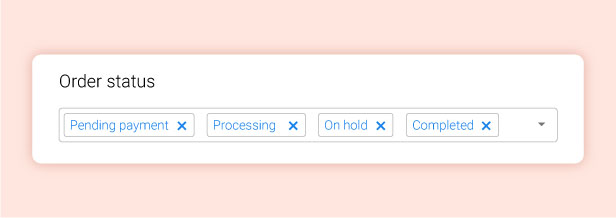
Create multiple Thank You page templates and assign display conditions for each one. This allows you to show different post-purchase experiences based on products, order values, or customer segments, helping you deliver more relevant content and improve customer retention.

Post-Purchase Coupon to Increase Customer Retention
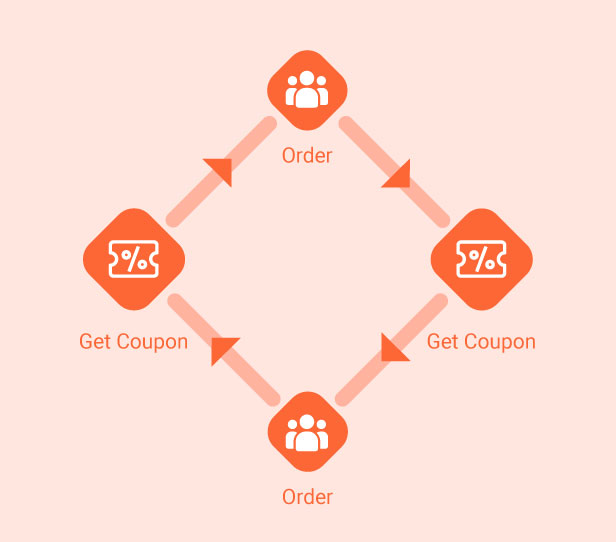
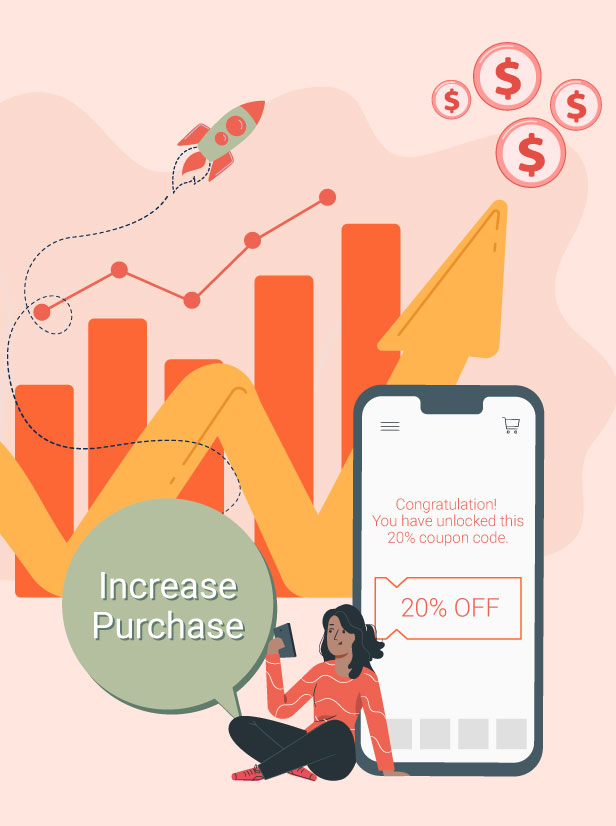
Automatically send a discount coupon to customers after a successful order and include it in the WooCommerce order confirmation email. This encourages repeat purchases by rewarding customers immediately after checkout and increasing long-term retention.
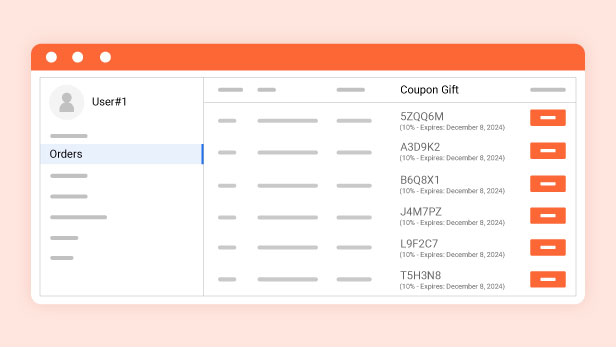
Display Gift Coupons in My Account Page for Easy Access
Show the received coupon code directly in the “Order” tab of the My Account page, as well as on the Thank You page. This makes it easy for customers to find and use their discount code later, improving usability and encouraging repeat purchases.
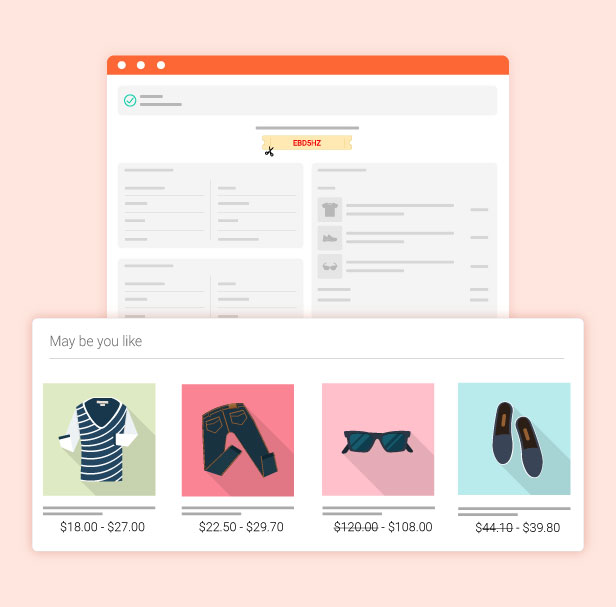
Smart Upsell Recommendations on Thank You Page
Display relevant up-sell products on the Thank You page to encourage customers to purchase additional items after checkout. This helps increase order value by suggesting products that complement their recent purchase in a natural and timely way.
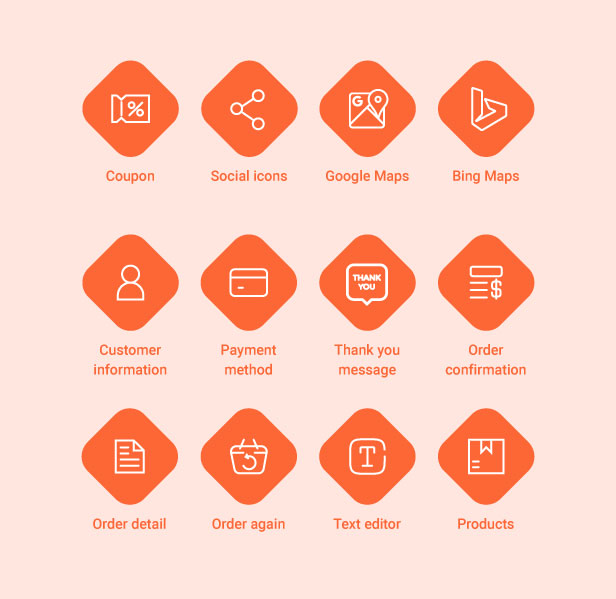
12 Built-in Elements for Thank You Page Customization
There are 12 built-in elements available to help you fully customize your Thank You page. You can easily add and arrange different blocks such as text, buttons, product recommendations, coupons, and more to create a more engaging post-purchase experience.
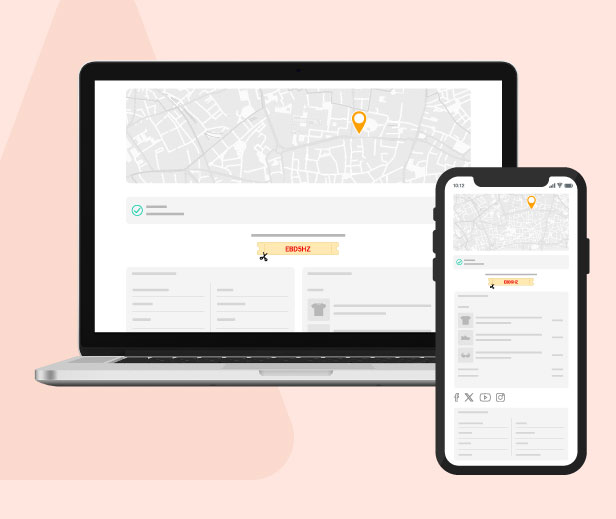
Fully Responsive Thank You Page Design
The Thank You page is fully responsive and works perfectly on all devices, including desktop, tablet, and mobile. All elements automatically adjust to different screen sizes to ensure a smooth and consistent post-purchase experience for every customer.
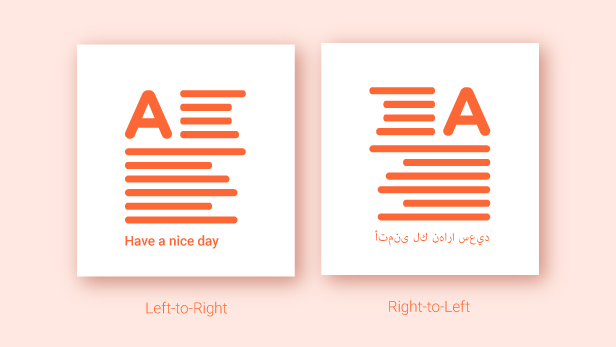
RTL Language Support for Global Customers
Support both Left-to-Right and Right-to-Left text directions, allowing you to create Thank You pages in multiple languages with proper formatting. This ensures your content displays correctly for RTL languages such as Arabic, improving readability and user experience.
Multilingual Support with WPML & Polylang Compatibility
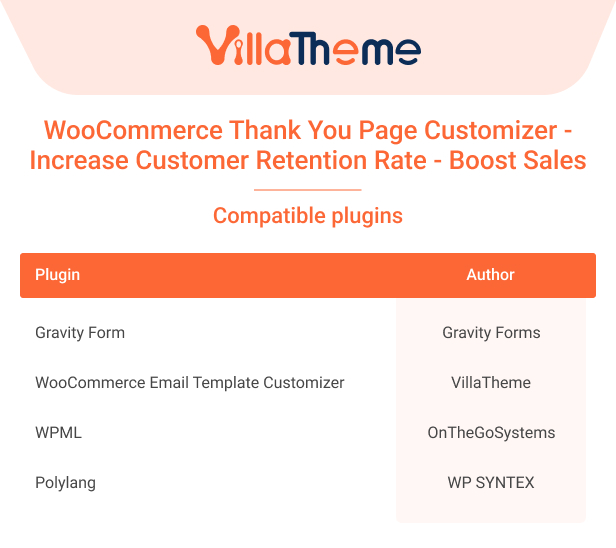
Fully supports multiple languages and is compatible with WPML and Polylang plugins. This allows your Thank You page content to automatically switch based on the customer’s selected language, ensuring a localized and consistent experience for global users.

FEATURES OF WOOCOMMERCE THANK YOU PAGE CUSTOMIZER
GIVE COUPON
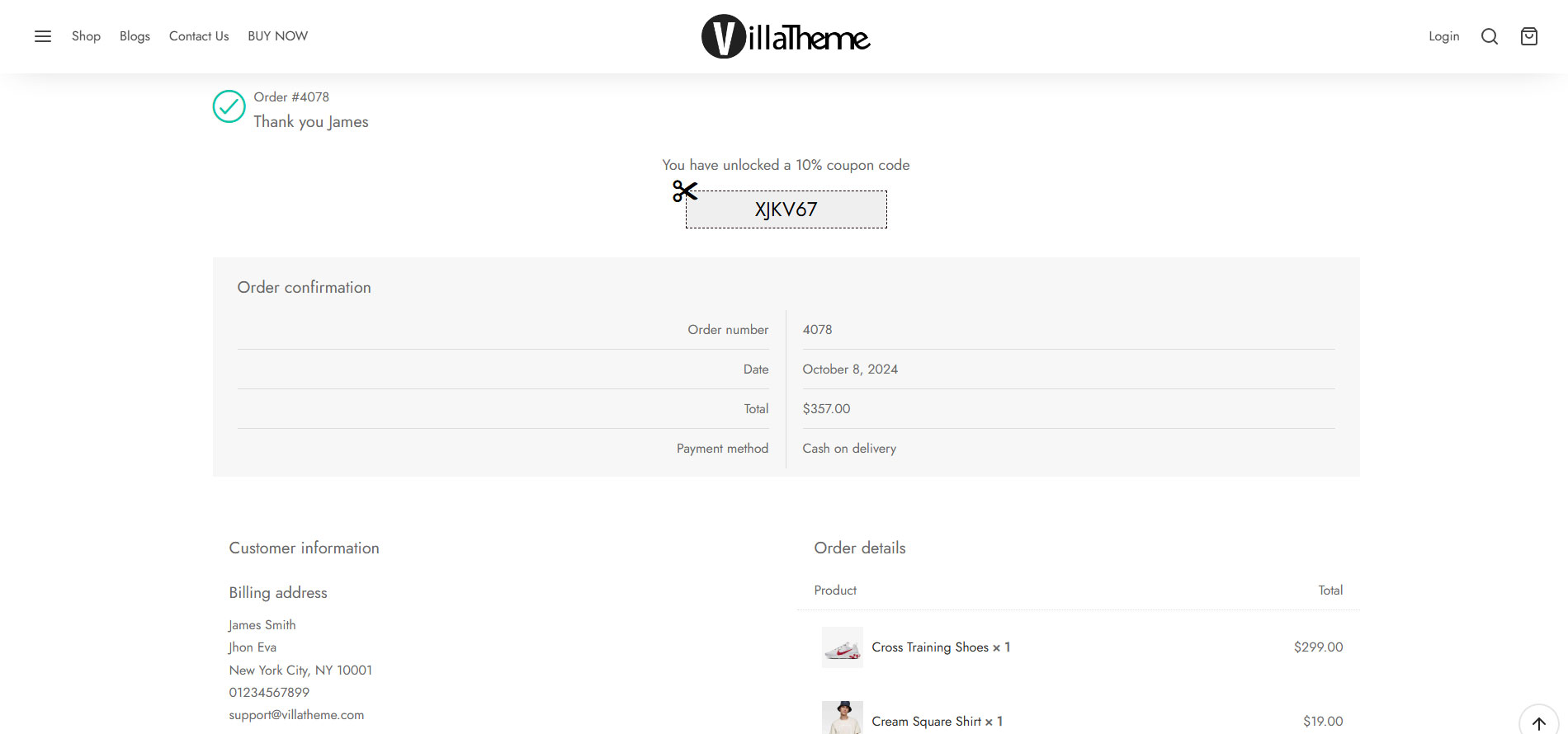
WooCommerce Thank You Page Customizer will give a coupon after a successful order. Moreover, you can choose to give an existing coupon or let the plugin generate unique coupons.
Coupon rules: Each coupon will have its own rules and you can configure these rules to give different coupons for different orders.
- Minimum order total: The coupon will be given if the order total is bigger than this amount.
- Maximum order total: Similarly, the coupon will be given if the order total is smaller than this amount.
- Include products: Only give coupons if the order includes these products.
- Exclude products: Do not give coupons if the order includes these products.
- Include categories: Only give coupons if the order includes products in selected categories.
- Exclude categories: Do not give coupons if the order includes products in selected categories.
- Existing Coupon: Choose an existing WooCommerce Coupon to give to customers after they successfully order an order.
- Select WooCommerce coupon: Create a coupon in WooCommerce/ Coupon and use it in the WooCommerce Thank You Page Customizer.
- Email restriction: Make the coupon be usable with the billing email address.
Unique Coupon: WooCommerce Thank You Page Customizer will generate unique coupons for each order and display them on the Thank You page. You can set up the generated coupon with the same options as WooCommerce coupons.
- Email restriction: Make the coupon be usable with the billing email only.
- Discount type: Select the coupon discount type percentage discount, fixed cart discount, and fixed product discount.
- Coupon code prefix: Type in the coupon code prefix.
- Coupon amount: The amount of the coupon you will give.
- Allow free shipping: Select if this coupon grants free shipping.
- Expires after: Select the usable time of the coupon.
- Individual use only: Choose if the coupon can be used in conjunction with other coupons.
- Exclude sale items: Choose if the coupon can be used on sale items.
- Usage limit per coupon: How many times a coupon can be used by all customers before being invalid.
- Limit usage to X items: How many items the coupon can be applied to before being invalid.
- Usage limit per user: How many times a coupon can be used by each customer before being invalid for that customer.
- Coupon limit: Limit the number of coupons for each customer per day/week/month/year.
- Coupon Email: Create your own email to send the coupon to your customers
- Preview email: Preview the coupon email sent to customers using a button in the back-end.
DESIGN THANK YOU PAGE
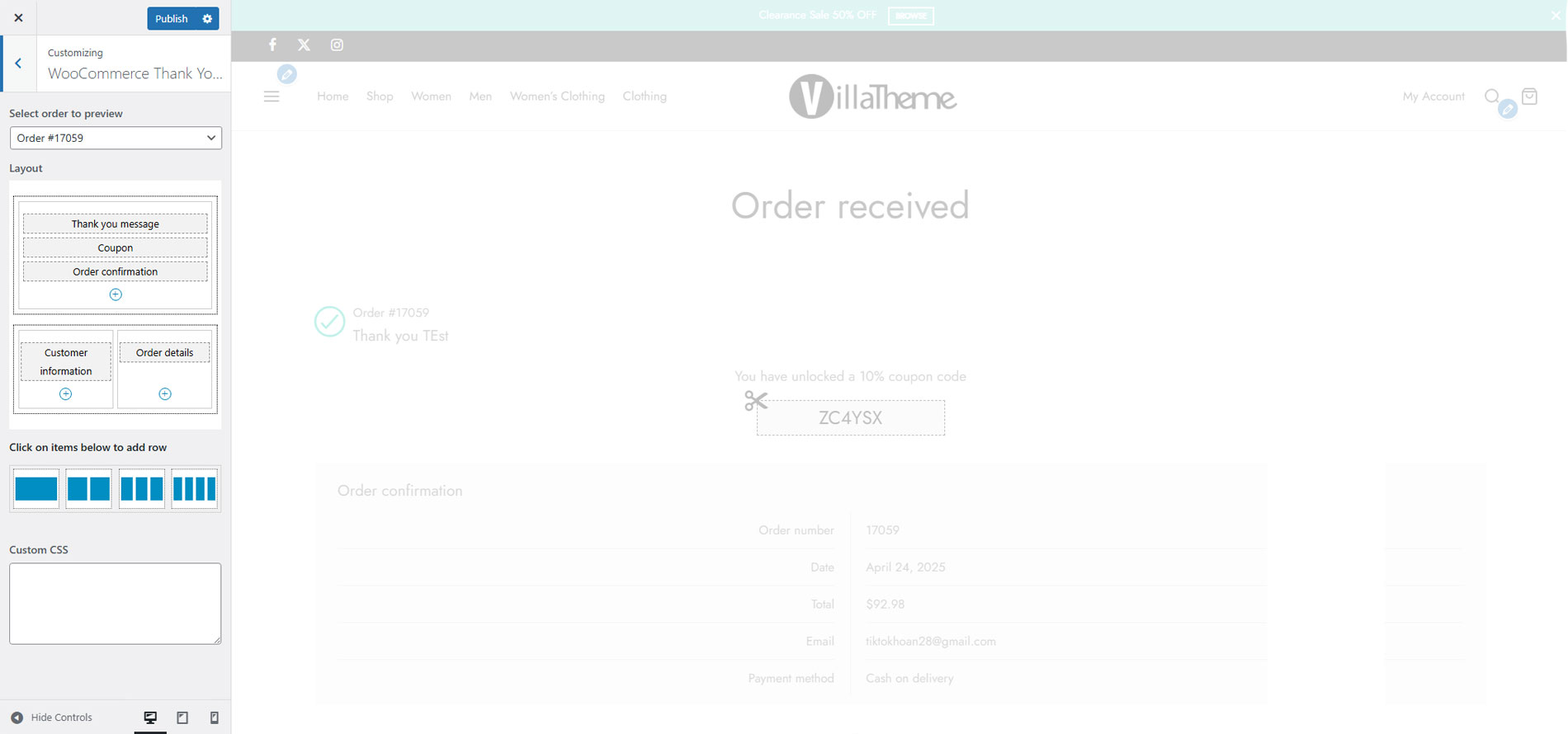
WooCommerce Thank You Page Customizer allows you to drag and drop elements to build your own Thank You page in customize mode so every change you make will affect immediately for you to preview, which could save a lot of time.
- Preview: You can select a real order to preview your design on the front end, therefore it’s so easy to customize the design as you expect without wasting a lot of time trying to change the design in the backend, save settings then go to the frontend to refresh the page to see the changes and repeat those steps again and again until you are so tired and think “Uhm, this looks fine”.
- Drag & Drop: Drag and drop elements to build the Thank you page as you want. Elements include the Thank you message, Order Confirmation, Order details, Customer information, Social icons, Coupon codes, Google map, text… and there are more to be added in future updates.
- Custom CSS: The plugin provides a Custom CSS option that allows you to add your own CSS code to change the front-end style of the plugin. And what is cool is that the CSS code you enter also affects immediately which makes it so easy to find if your custom code is correct or not. Imagine you try to add custom CSS code in the plugin backend, save the settings then go to frontend and refresh the page to check if the code you enter works but nothing changes, and talk to yourself “What the hell am I doing wrong???”, that’s really annoying.
- Element Design: Each element has its own design page which allows you to change that element style such as color, background color …
ADD NEW ELEMENT
There are 18 built-in elements for you to customize your thank you page.
- Thank you for a message: Display a thank you message, and confirm the order has been received.
- Coupon: Give customers a coupon for their order. Customizing the element with shortcodes for the coupon code, coupon amount, and expiry date.
- Text editor: Allows you to add text to the thank you page with an HTML editor. You can add shortcodes from 3rd parties here.
- Order information: Display order information with the Order number, purchase date, order total, purchased email address, and payment method.
- Customer information: Display billing address and shipping address.
- Order detail: Display the order details with product names, subtotal, total, shipping price, and payment method.
- WooCommerce products: Display up-sell products, cross-sell products, featured products, on-sale products, best-selling products, recently viewed products, recent products, top-rated products, and related products on the thank you page. You have an option to select the product limit and product column.
- Order products by Order product in the product element by title, published date, ID, menu order, order quantity, rating, and random.
- Product visibility: Choose the problem visible status to display visible, catalog, search, hidden, hidden, menu.
- Product Quantity: Choose the product total and number of the column.
- Social network icons: Display social network icons, allowing customers to connect with your store. You can change the description, icon style, and social network links.
- Google Maps: Display your store address on Google Maps with options for marker color, Google Maps style, description, address, and map zoom level. This option requires a valid Google Map API key.
SHORTCODES
WooCommerce Thank You Page Customizer provides shortcodes for you to display order information in elements on the Thank You page and below is a list of available shortcodes:
- Some properties of order: Which are Order Number, Order Status, Order Date, Order Total, and item count
- Payment Method
- Shipping Information: There are Shipping Method, Shipping Address, and Formatted Shipping Address
- Billing details: Including Billing Address, Formatted Billing Address, Billing Country, Billing City, Billing First Name, Billing Last Name, Formatted Billing Full Name, and Billing Email
- Site identification: Like Shop Title, Home Url, and Shop Url
MORE OTHER FEATURES
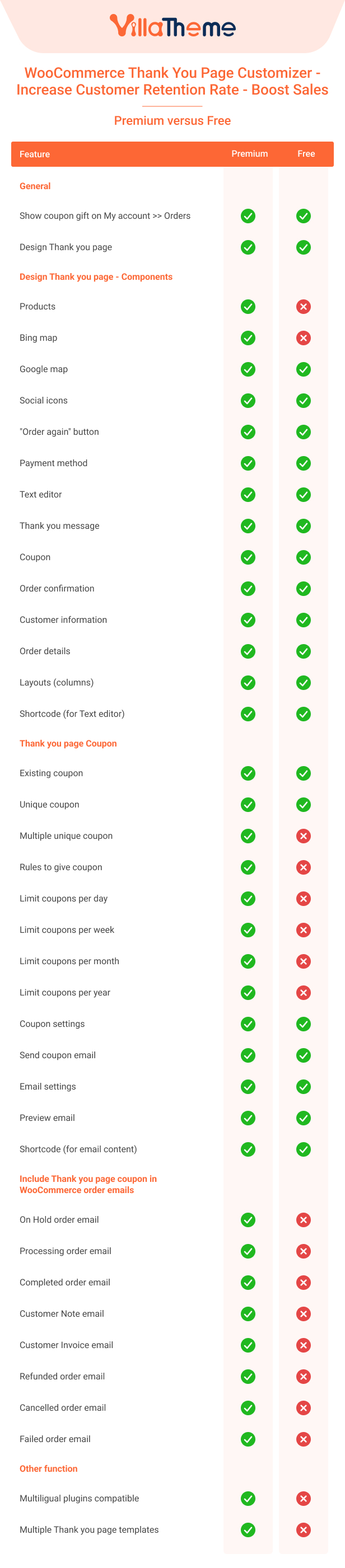
- Create multiple Thank you page templates and assign them to different product groups
- Compatible with WooCommerce Email Template Customize: That allows to design and customize the coupon email of the WooCommerce Thank You, Page.
- Support RTL.
- Compatible with Polylang.
- Compatible with WPML.
- Responsive on any device.
- Friendly user interface.
See more in this Preview
And Tutorial