Description
Rees Real Estate for WooCommerce is a versatile WordPress plugin developed for creating comprehensive real estate websites and portals. It provides aesthetically pleasing and uncluttered property templates with special features such as Property Types, Gallery, Google Maps with property location markers, detailed graphical representations, Virtual tour, Mortgage Calculator, Supplementary files or documents, promotional materials related to the property, user-friendly settings, and a variety of other functionalities.
Furthermore, it functions as a Property Management System within WordPress, allowing you to create and manage a real estate marketplace.
Create Real Estate Listings Directly on WooCommerce
Easily create and manage real estate listings on your website with just a few simple setup steps, allowing you to build a professional property marketplace on WooCommerce.
Create and Manage Real Estate Listings on WooCommerce
Easily add property details, showcase professional listings, and manage transactions all within one WooCommerce platform for a smoother management experience.
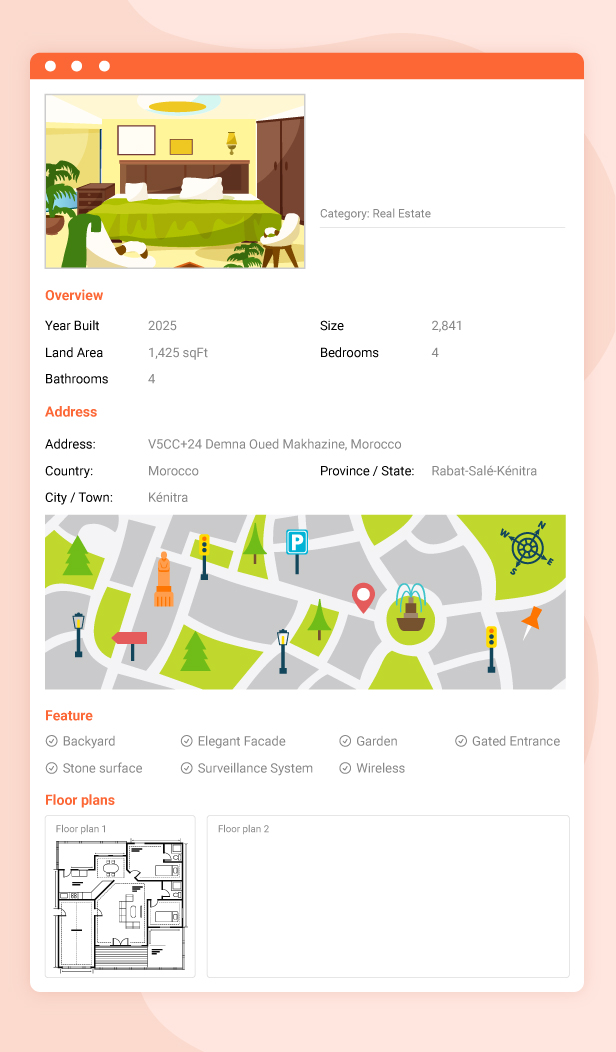
Give Customers a Complete View of Your Properties
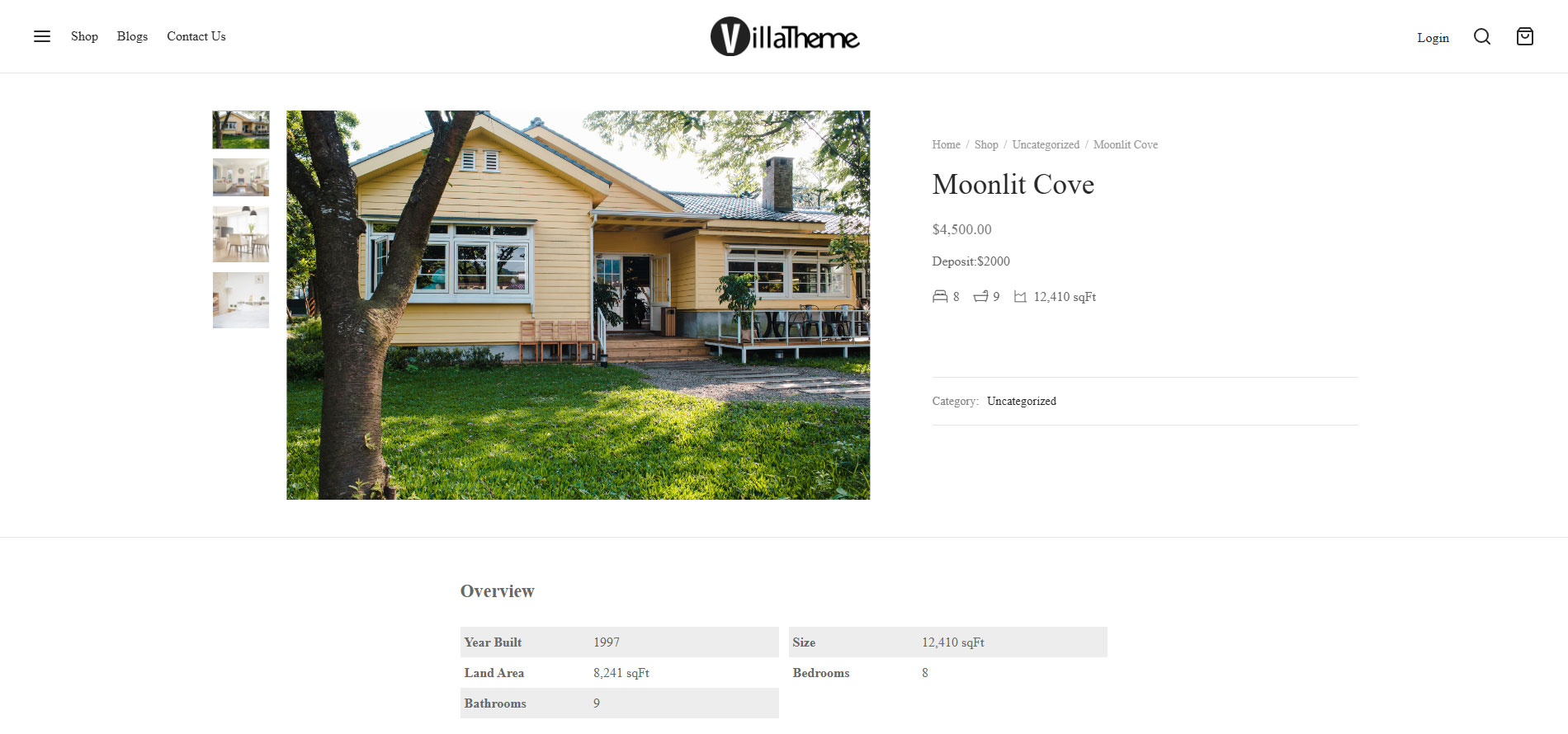
Allow customers to quickly view important property details such as price, location, size, amenities, and more, making it easier for them to make informed decisions.
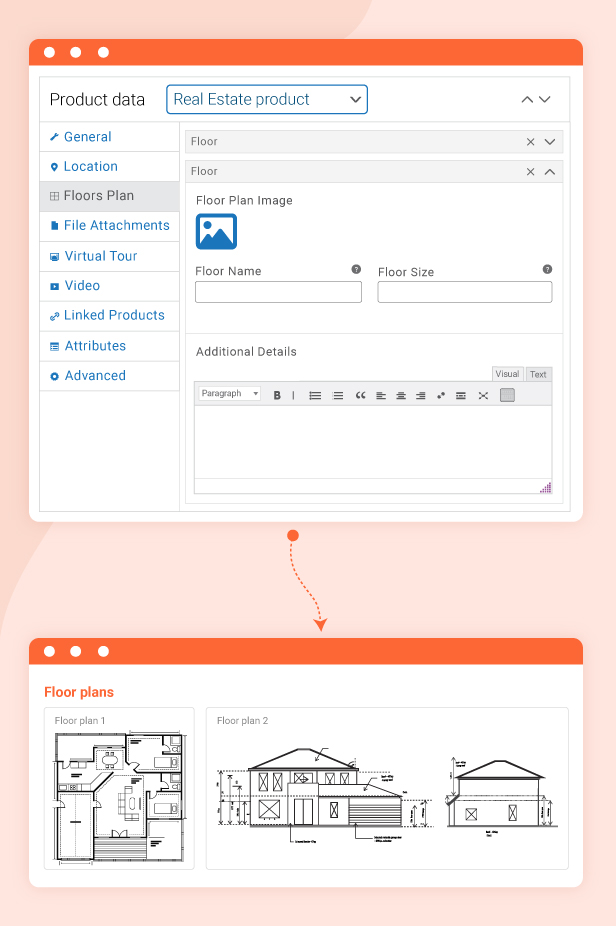
Create and Showcase Floor Plans Easily
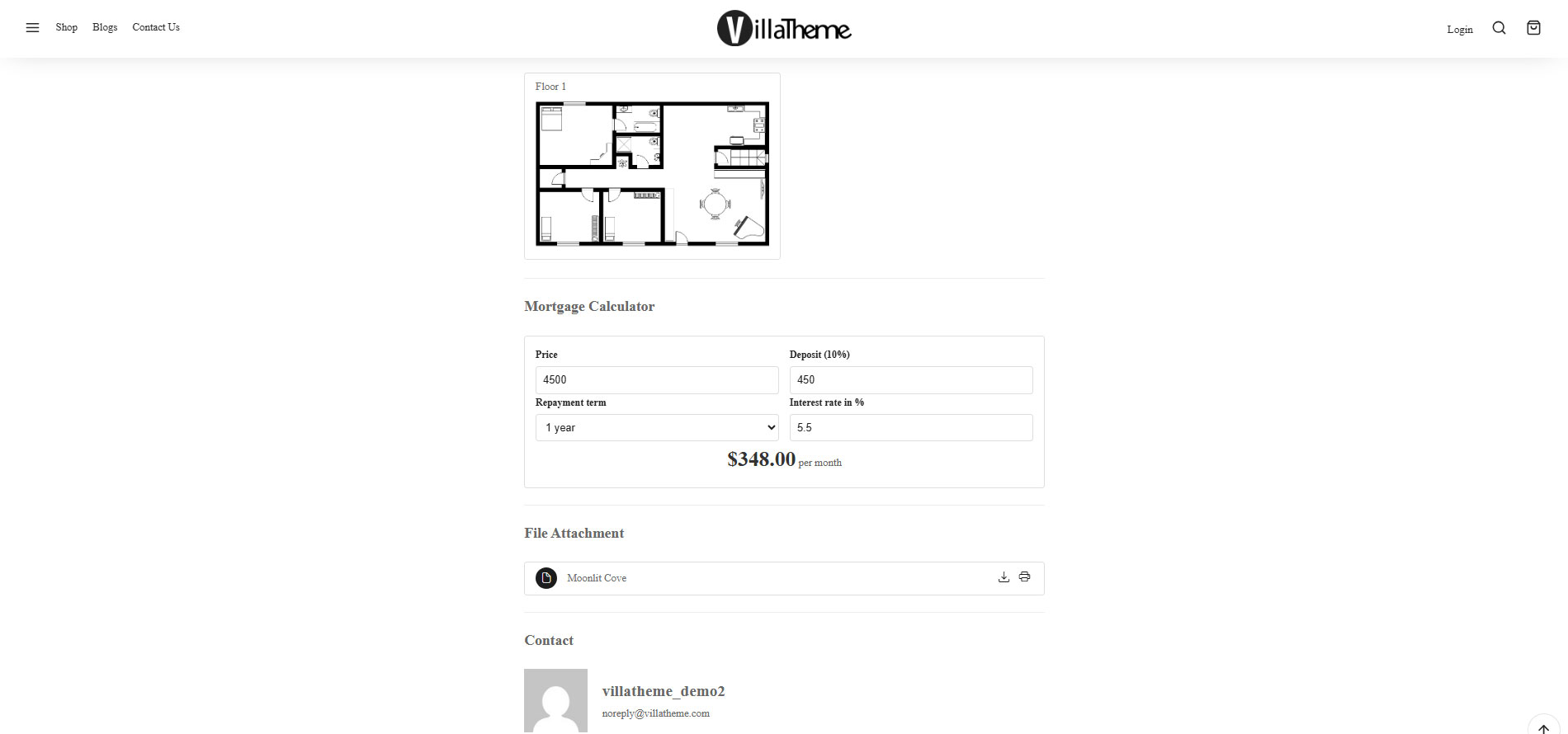
Allow customers to view detailed floor plans directly on the front-end, giving them a clearer understanding of property layouts and spaces for a better browsing experience.
Integrate Google Maps, Nearby Places, and Travel Time
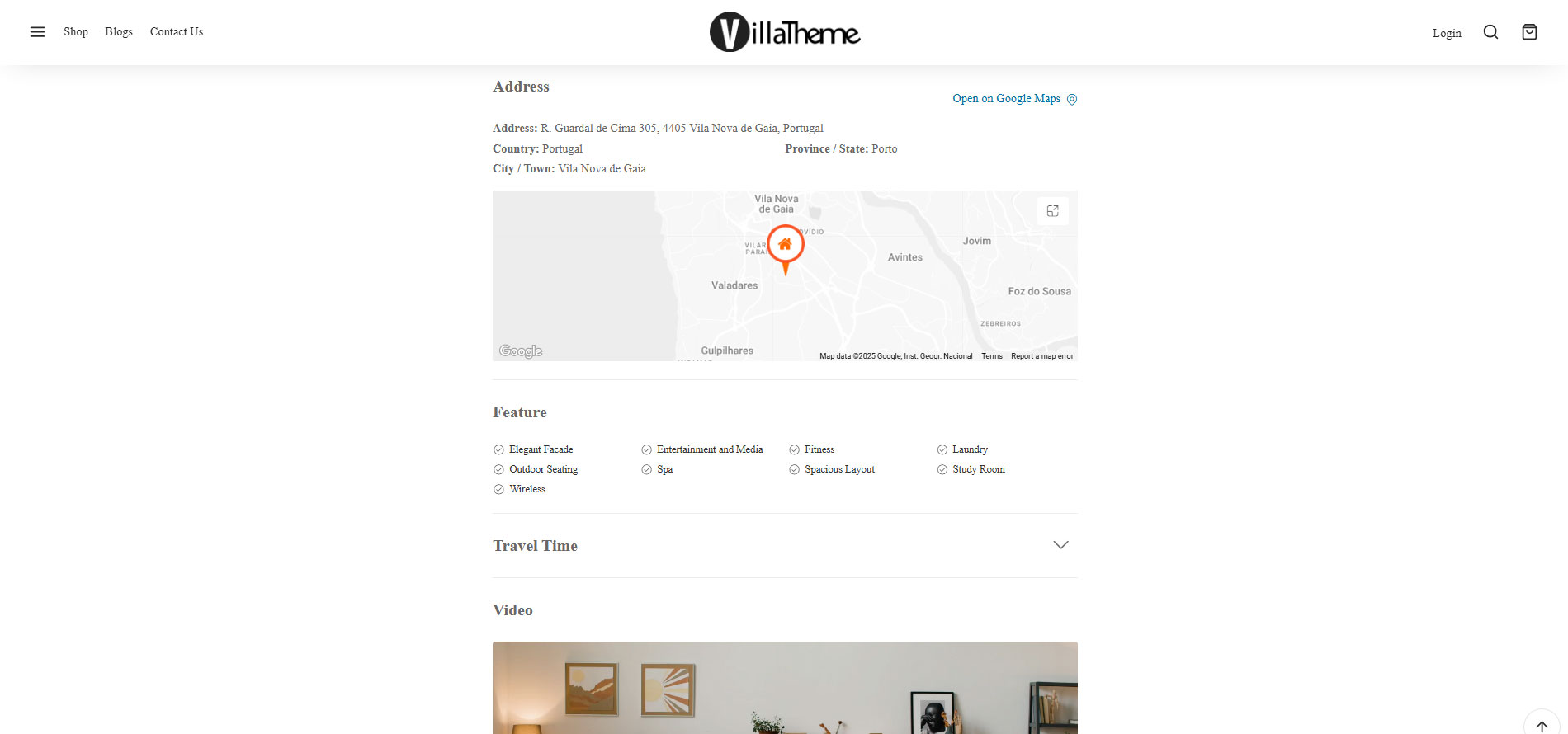
Display property locations directly on Google Maps and allow customers to explore nearby places such as schools, hospitals, shopping centers, cafes, and more. The plugin can also calculate travel time to help customers better understand real distances and accessibility.
For example, buyers can quickly see how long it takes to travel from the property to downtown areas or nearby schools.

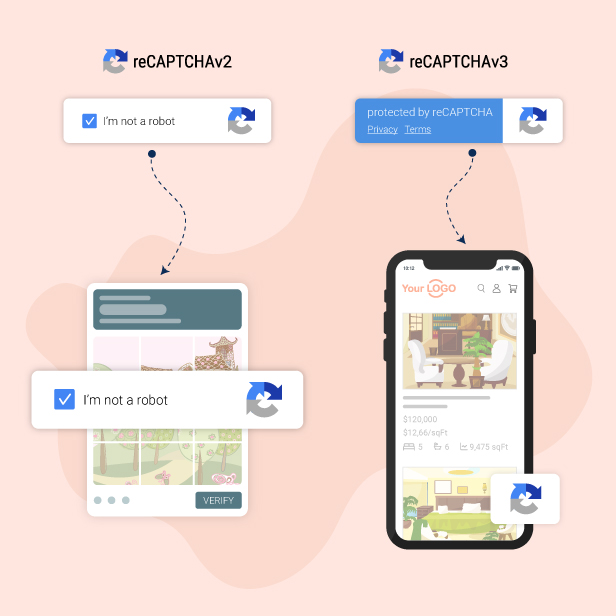
Protect Your Forms With Google reCAPTCHA
Integrated with Google reCAPTCHA v2 and v3 to help prevent spam submissions and provide stronger protection for signup and contact forms on your website.
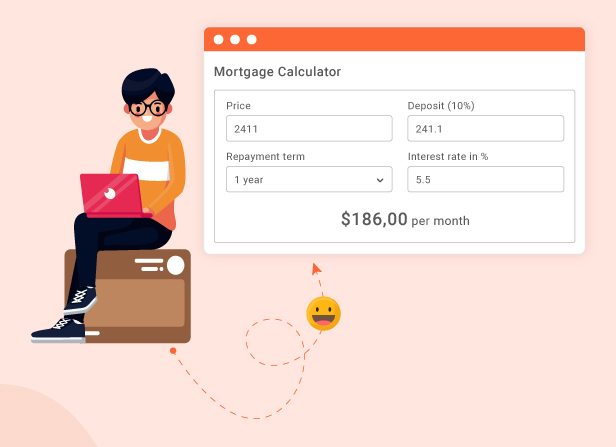
Financial Planning With Mortgage Calculator
Allow homebuyers to calculate mortgage loans, estimate monthly payments, and plan their finances directly on your website. The mortgage calculator can also be displayed anywhere using simple shortcodes to improve the property browsing experience.
For example, buyers can enter the property price, down payment, and loan term to instantly estimate their monthly mortgage payments before making a decision.
360° Property View and Video Showcase
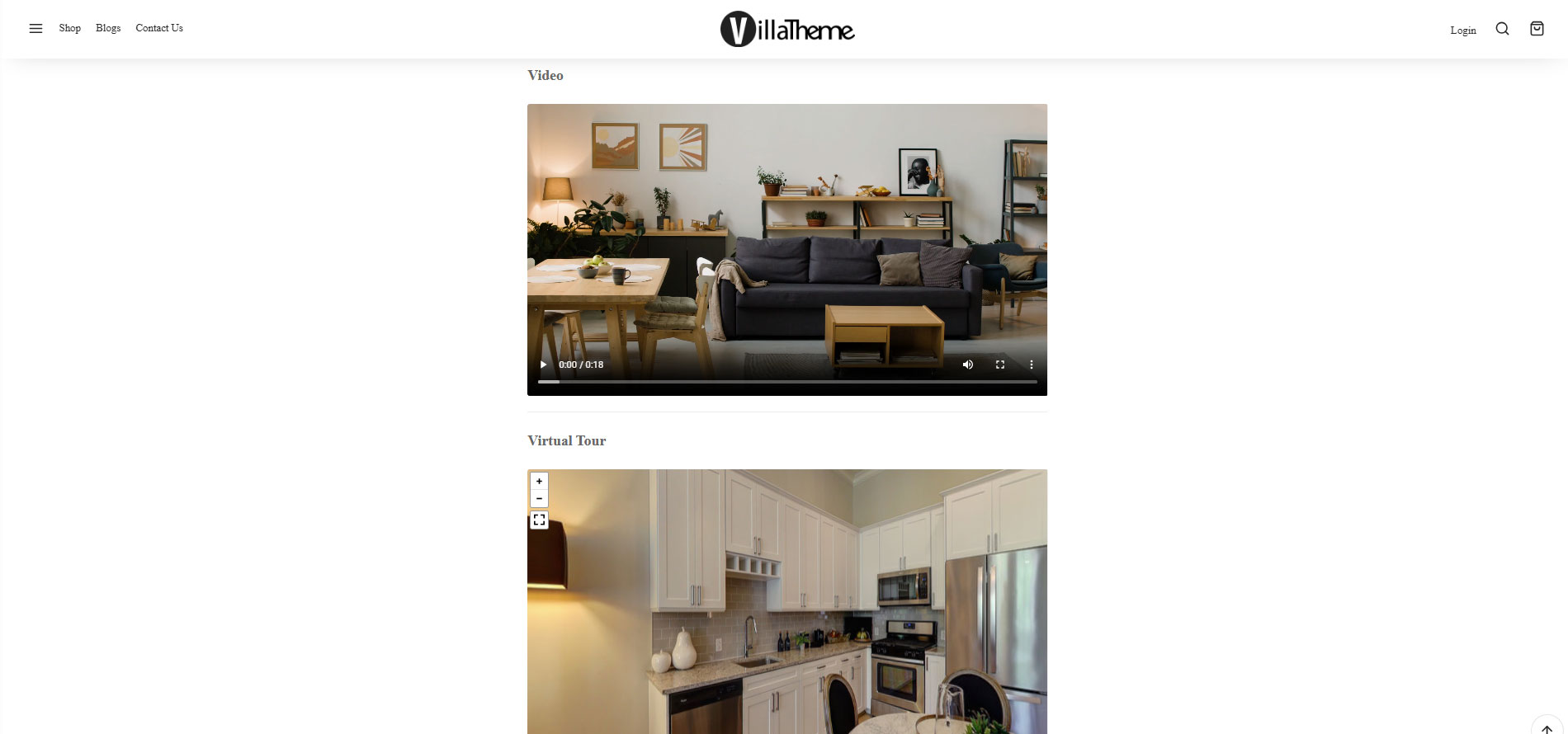
Provide a more realistic and immersive property experience with 360° views and property videos, allowing customers to explore layouts, spaces, and details before making a decision.
For example, buyers can take a virtual 360° tour of an apartment or watch property videos to better understand the real living space without visiting in person.

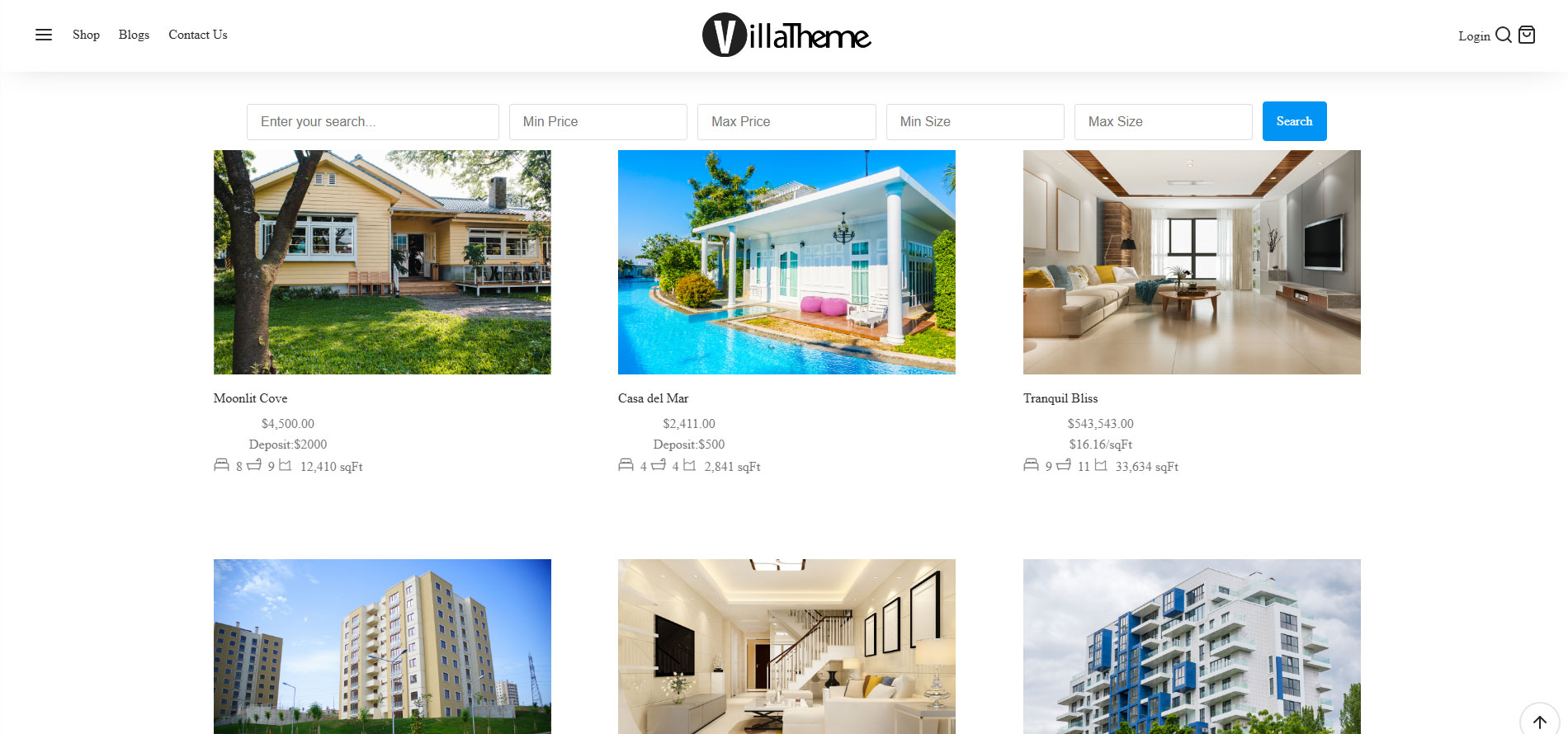
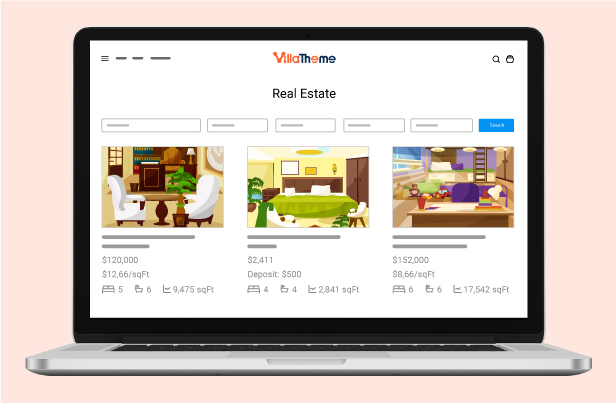
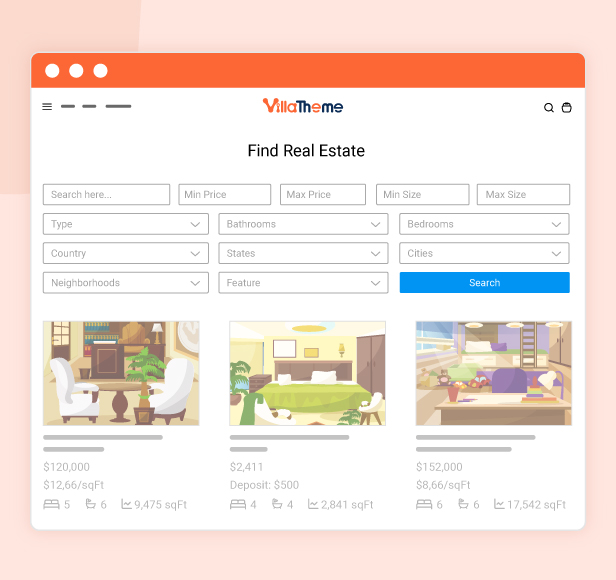
Advanced Property Search by Keyword, Price, and Size
Help customers quickly find properties that match their preferences, needs, and budgets with advanced search filters for keywords, price ranges, property size, and more. This makes the property discovery process faster and more accurate, helping buyers or renters make decisions more confidently and quickly.
For example, customers can easily search for a 2-bedroom apartment under a specific budget in the city center or a spacious rental property near schools within seconds.
Thank You for Using Our Plugin
If you enjoy using our plugin, we would truly appreciate a 5-star rating. Your support and positive feedback motivate us to continue improving the plugin, developing more useful features, and delivering a better experience for the WooCommerce real estate community.

What does the Rees Real Estate for WooCommerce plugin offer?
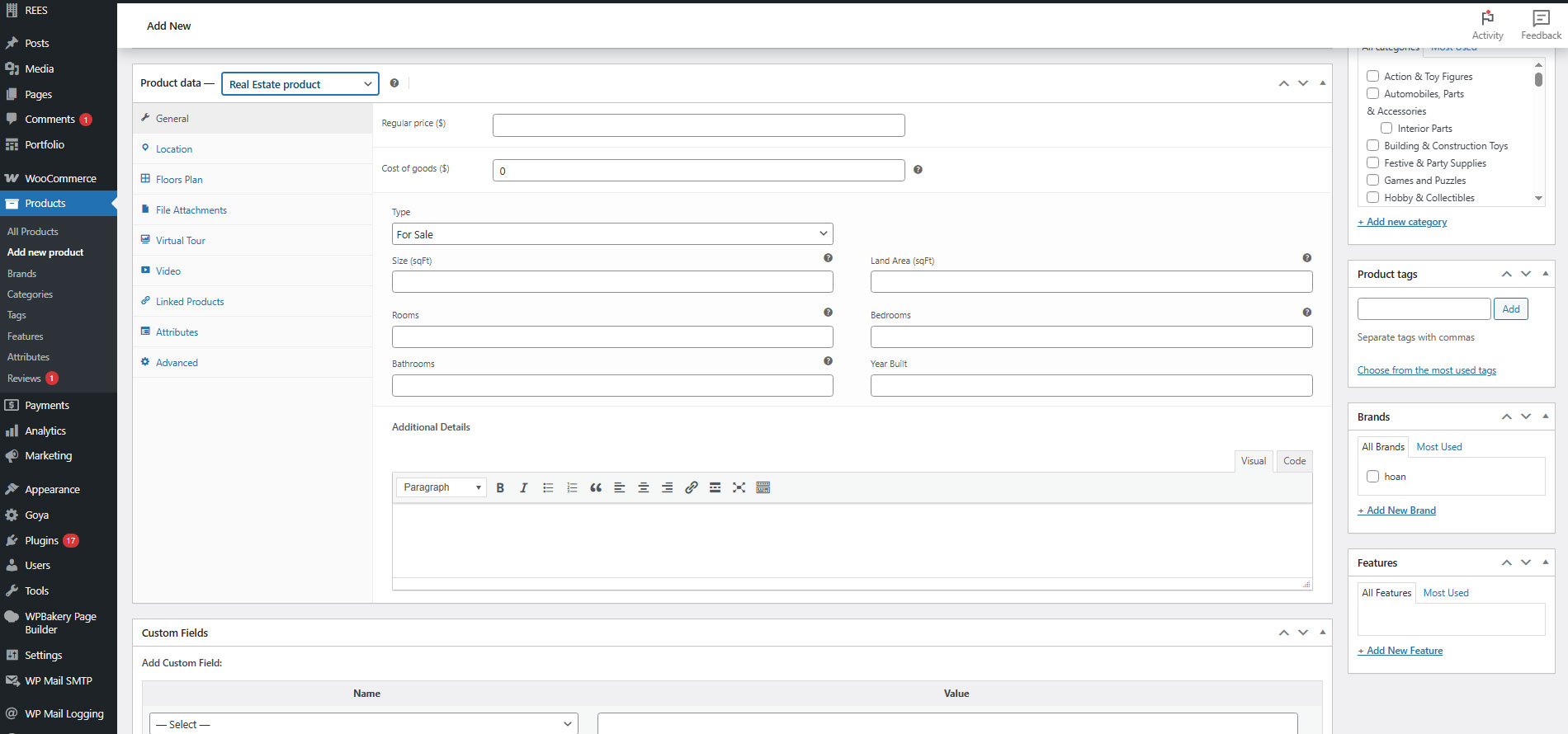
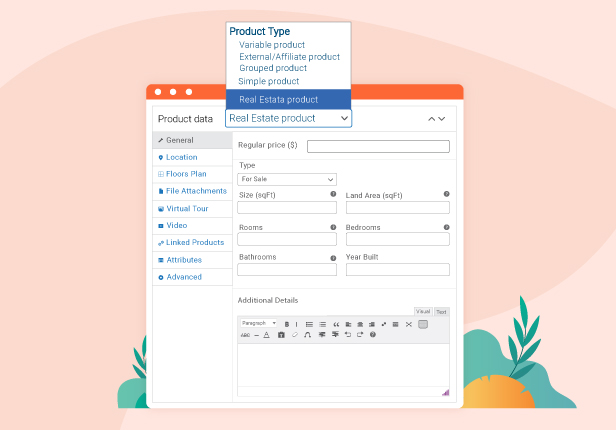
- Overview of the property: Provides a concise summary, including essential details such as price, type, size, number of rooms, and year built. It is a quick reference point for potential buyers or renters to assess whether the property meets their criteria.
- Including the general information of the property including price, type, size, land area, number of rooms, bedrooms, bathrooms, year built, and additional details.
- Adding features of the property: Facilities which the property has such as swimming pool, garden, gas heat, view lake…
- Google Map integration: Offers a user-friendly and versatile method for exploring properties. By utilizing Google Maps, your clients can conveniently preview the location of the land or house for sale, providing them with a comprehensive understanding of the area before visiting in person.
- Property Location: Providing location information for a real estate listing, include the following details: Province/State, City/Town, Country, Neighbourhood, Full address, and zip code of the real estate.
- Travel time: This feature refers to the duration it takes to commute from a specific location to the real estate property.
- It can estimate the distance between the location of the property to a certain spot by Driving, Transit, Walking, and Cycling.
- Measurement unit: It can be a Kilometer or a mile.
- Nearby places: This refers to amenities, facilities, or points of interest located near a real estate property
- Rank by: Distance – Ranks place results by distance from the location or Prominence – Ranks place results by their prominence
- Measurement unit: It can be Kilometer or mile
- Multiple choices for nearby places: Select useful areas near the property, which will serve as information for choosing it.
- Floor plans: The plugin offers this feature as a detailed graphical representation illustrating the layout and dimensions of each room and space within the property and provides a visual guide for potential buyers or renters to understand the spatial arrangement and flow of the property.
- Provides information including the floor name, the plan image of each floor, the floor size, and additional information about each floor.
- Zoom in and out to see floors on the front end.
- File attachment: A file attachment is the inclusion of supplementary files or documents relevant to the property listing, such as PDFs, brochures, or additional images,
- 2 different styles for the file attachment: Table or list.
- Download, preview, and print the file attachment.
- Virtual tour: The plugin can add virtual tours which is an immersive, interactive online presentation, that allows users to navigate and explore the property virtually, enhancing their understanding of its features.
- Auto-load virtual tour
- Click to load the virtual tour
- Hotspot features specify locations or areas that attract a high level of activity, attention, or interest.
- Title, additional note, and adjust pitch limit, initial zoom for the hotspot
- Auto-rotation feature allows viewers to passively observe different angles and perspectives of a property without manually controlling the movement. It enhances the immersive experience for potential buyers or renters by providing a dynamic and comprehensive view of the space.
- Video: Rees Real Estate for WooCommerce can help to add a visual presentation, typically in motion, showcasing the property’s interior, exterior, and surroundings.
- Upload
- Contact: Contact in the Rees Real Estate for WooCommerce plugin refers to reaching out to the individual or entity responsible for selling a real estate property. This typically involves initiating communication through various channels such as phone, email, and social media.
- Google ReCAPTCHA: Rees Real Estate for WooCommerce is integrated with the Google ReCAPTCHA feature which along with Contact helps you protect your website from spam and abuse.
- Mortgage Calculation: The Mortgage calculation section can be used to estimate monthly mortgage payments and deposits based on property price, interest rate, and repayment term. It helps users understand the financial impact of taking out a mortgage loan. Besides, the mortgage calculator shortcode is also available and can be added to your desired area you want such as the sidebar area by going to Appearance -> Widgets.
- Property search bar on result pages: Search Property conveniently with the search bar integrated on the result pages.
- Property search bar customization: Customize the search bar the way you want including adding/removing the fields, and design input size.
- Property search bar shortcode: Copy and paste to display the property search bar anywhere you want.
Other features of Rees Real Estate for WooCommerce
- Rees Real Estate for WooCommerce: Adapt and display optimally across various devices with different screen sizes and resolutions
- Rearrange property information on the front end: Drag and drop property information fields on the front end.
- Change Google map styles: Integrate with outsources to display Google map which provides detailed information about the property’s geographical position.
- Change measurement unit of property: In Square feet (SqFt); Meter (m2); Custom unit.
- Select property information positions on a single product page: On the product tab, in the product tab, or the description tab.
- Map zoom level: Easily adjust the zoom level and default latitude and longitude settings for your map customization.
- Map marker icon: Use the default maker icon on the map or upload the one you want.
Compatible plugins