Description
What is the eCommerce Notification?
eCommerce Notification displays all post types (posts, pages, etc) as a popup on your storefront. It’s the online equivalent of a crowded store, and it shows prospective customers that other people are accessing your pages/posts, or they are being viewed by someone.
- Increase conversion rate by highlighting other customers that have viewed/accessed posts.
- Compatible with all post types
- Create a sense of urgency for visitors and expose new articles!
* IMPORTANT NOTE:
Our plugin supports assigning the coupon box popup on certain pages using WP’s Conditional tags. To handle WP’s Conditional Tags, this plugin uses eval() which is very dangerous because it allows the execution of arbitrary PHP code. Therefore, please only fill this field with proper conditional tags that are validated and/or provided by trusted developers.
Create Social Proof With eCommerce Notifications
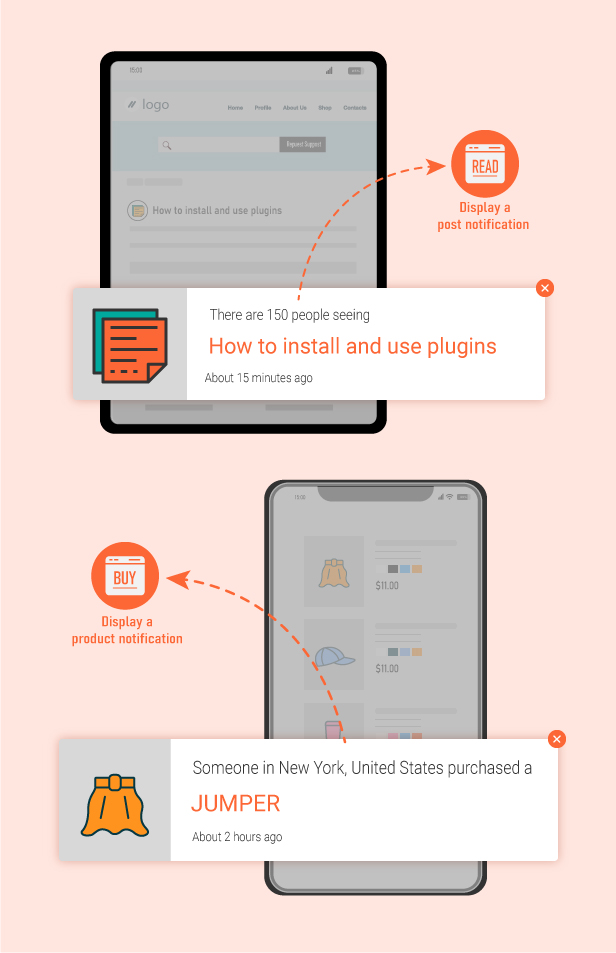
Display popup notifications for posts, pages, or other content to show visitors what others are currently interested in, encouraging more clicks and content views across your website.
This feature helps blogs and content-based websites feel more active and engaging, increasing page views, user interaction, and overall time spent on the site through visual social proof notifications.
Geo Detection for More Personalized Notifications
Automatically detect visitors’ locations via IP and display notifications tailored to their country or region, making the website feel more relevant and engaging for each audience.
For example, visitors in the United States may see notifications like “Anna in USA is reading this article,” helping create familiarity, increase trust, and encourage users to continue exploring content on your website.
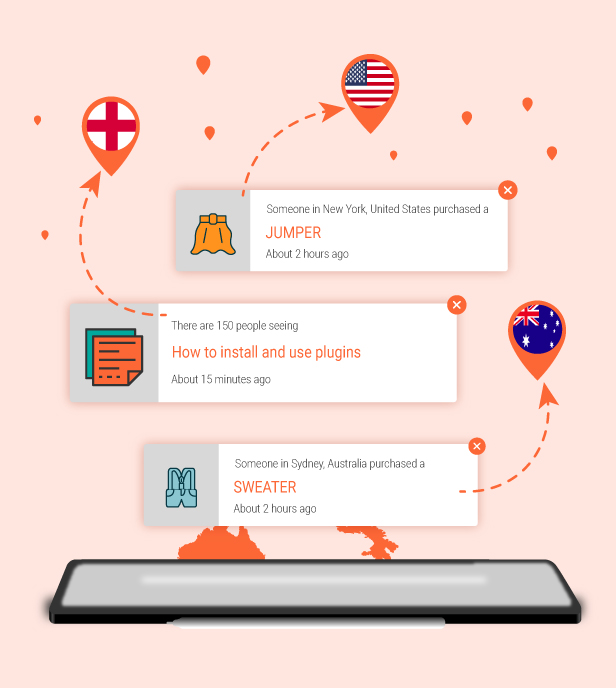
Create Unlimited Notification Messages
Easily create unlimited notification messages to display dynamically across your website, keeping the content fresh and engaging for visitors. You can use different message styles for posts, pages, featured content, or other social proof notifications to increase interaction and encourage users to explore more content on your site.
This feature helps make your website feel more active and engaging instead of repeatedly showing the same static notifications.
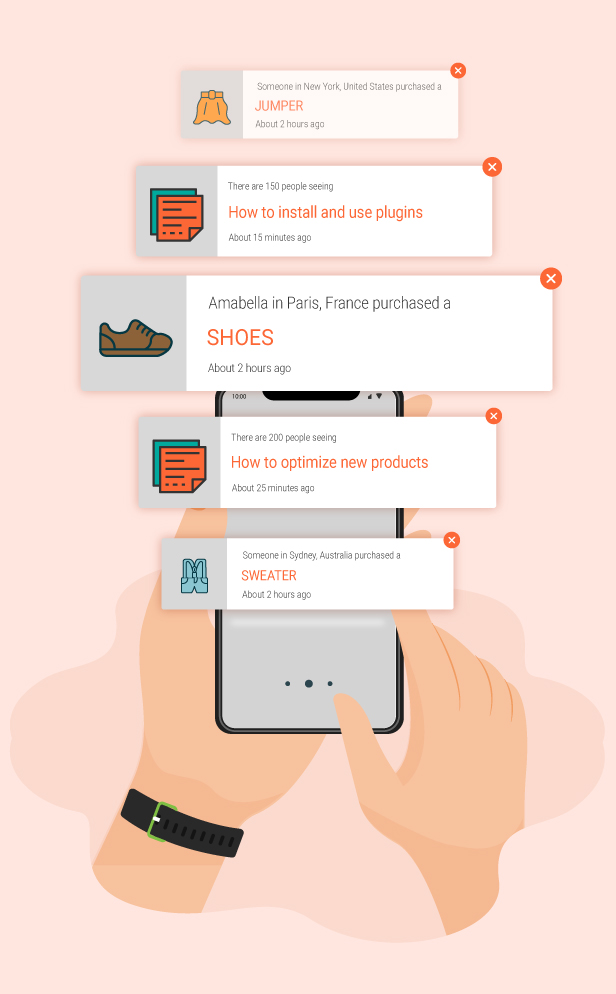
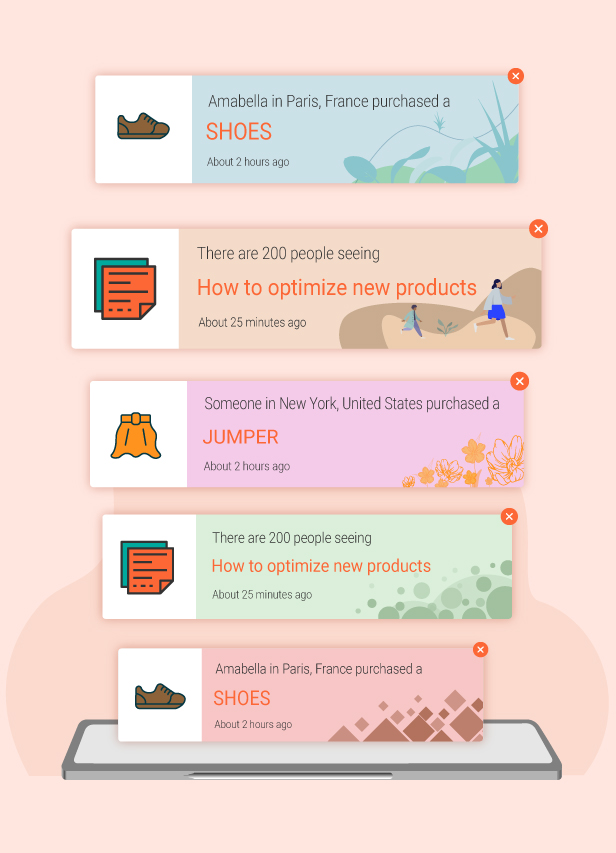
Beautiful Notification Templates and Flexible Design
Choose from various ready-made notification templates or fully customize the design to match your website style. You can adjust colors, layouts, fonts, images, and other elements to create more eye-catching and engaging notification popups.
This feature helps maintain consistent branding while creating a more professional and visually appealing experience for your visitors.
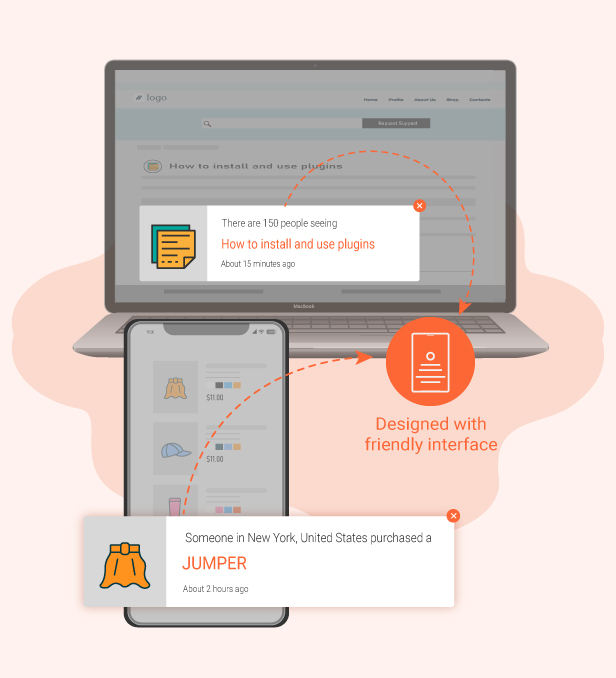
Fully Responsive on All Devices
The plugin is fully optimized to ensure notification popups display beautifully and work smoothly across desktop, tablet, and mobile devices. No matter which device visitors use, notifications remain visually appealing, easy to read, and engaging without disrupting the browsing experience.
FEATURES
Notification POP-UP
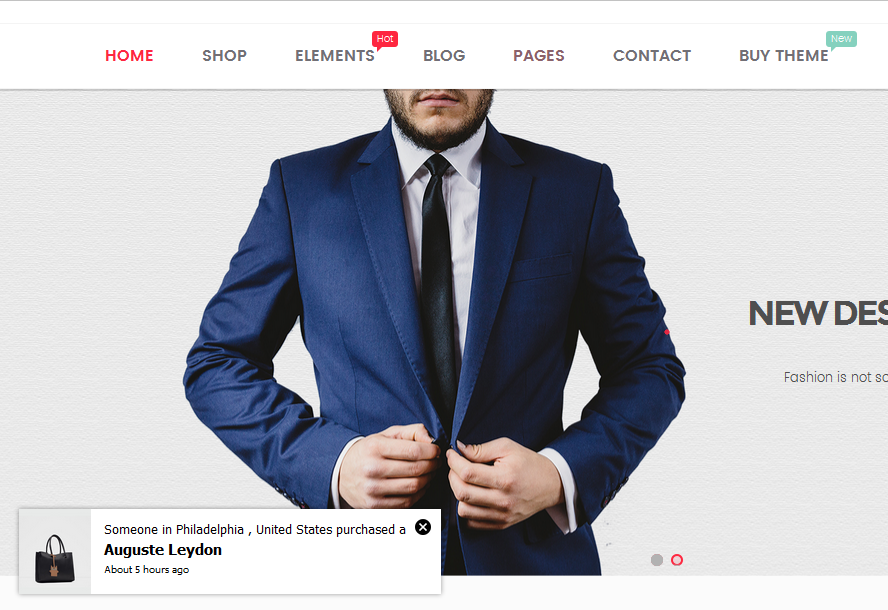
WordPress eCommerce Notification automatically generates the details from the given information. Then display the notification pop-up on the front end.
- Customer name: Allows you to add a list of customer names.
- Customer address: Allows you to add to a list of customer addresses.
- WordPress post type: The plugin can take any WordPress post type to display as a “product”.
- Select posts: Select posts to display. You can select different posts from different post types to display.
- Message: Enter the message to display on pop-ups. You can use shortcodes to display the necessary information.
- Auto-Detect address: The plugin will detect visitor addresses based on their country. And then display someone in their location who just purchased recently.
MULTIPLE WOOCOMMERCE NOTIFICATION MESSAGES
You can add and configure as many eCommerce Notification messages as you want. Each message will be displayed on a different single pop-up.
- Shortcodes: Use the shortcodes to configure your messages.
{first_name} – Displays the customer’s first name.

{city} – Shows the customer’s city.

{country} – Displays the customer’s country.

{post} – Inserts the post title.

{post_with_link} – Inserts the post title with a clickable link.

{time_ago} – Generates a random time within the threshold set under the "Virtual Time" option.

{custom} – Allows you to use a custom shortcode for additional personalization.
- States for addresses in the USA: With the shortcode for states, now you can display addresses in the USA correctly.
Example: Someone in Chicago, Illinois, USA just purchased a Woo Ninja. - Compatible with WPML and Polylang: This feature allows to display of notifications in multiple languages.
DESIGN
- Text color: Change the text color, and post title color.
- Background color: Change the pop-up background color.
- Post image: The plugin will take the post-featured image to display as a post main image on pop-ups.
- Image position: Select to display the post main image on the left side or the right side of the pop-up.
- Image size: Select the image size to display on the pop-up.
- Pop-up position: Select to display the sale notification pop-up on the top left, top right, bottom left, and bottom right positions.
- Pop-up appears/disappear effect: There are 32 appear/disappear effects for you to select.
- Custom CSS: This allows you to add your own CSS code to change the pop-up front-end design.
- Close button: Allow your visitor to hide the sale pop-up temporarily.
- Sound: Play a sound when pop-up to attract the user’s attention.
- Condition tags: Use WordPress conditional tags to configure which page the sale pop-ups appear on.
TIME OPTIONS
- Loop: The loop option will help to display multiple pop-ups on a page load.
- Notification per page: Select how many sale notifications you want to display on a page load.
- Next time display: Select the delay time between two sale notification pop-ups.
- Delay time: Select the time for the pop-up to appear after the page completes loading.
- Display time: Select the pop-up display time before it disappears.
AI ENGINE
With this plugin’s built‑in AI Engine, you can effortlessly generate compelling social‑proof pop‑ups that mimic real customer activity. Key functionality includes:
- Support for Google Gemini and OpenAI APIs, allowing you to tap advanced language models to generate text for names, locations and message content.
- Configuration options such as minimum/maximum character count, choice of writing style (casual, formal, descriptive, persuasive) and writing tone (neutral, friendly, professional). This gives you full control over how your notifications “sound”.
- A one‑click “AI Generator” button: after setup, you simply click this to populate notification fields with AI‑generated content-ideal when you want to quickly roll out multiple notifications with varied messaging.
This AI Engine is particularly useful if you want to simulate a bustling store environment, generate a large volume of messages quickly, or maintain a consistent brand voice without manually writing each notification.
REPORT
- Save Logs: This helps the system store information when visitors click on the notification. Then the admin site could statistic the number of clicks and analyze fluctuating sales. The reporting system allows statistics number of clicks by date and by-post.
AUTOMATICAL UPDATE
Authenticate purchase and auto-update the plugin from your Dashboard.
COMPATIBILITY
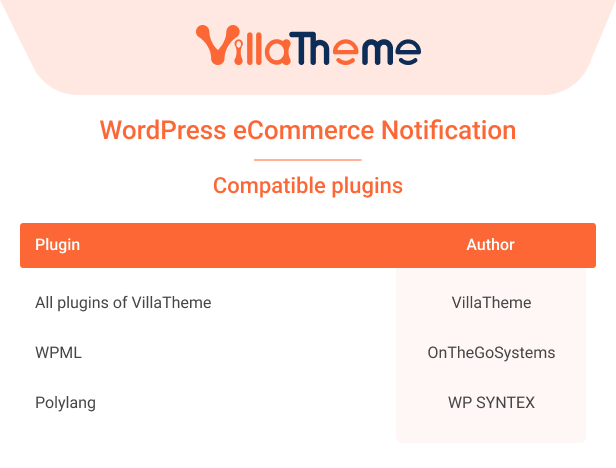
Preview eCommerce Notification
Let’s follow this video guide to use the eCommerce Notification plugin.