Description
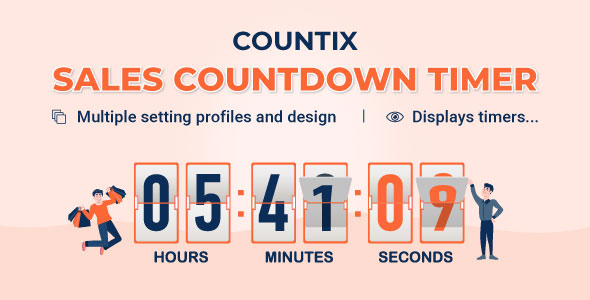
WooCommerce countdown timer helps to motivate customers to purchase. Many shop owners use WooCommerce countdown timers in sale events, and promotions to boost sales, and improve traffic and revenue. If you have been, or are about to build a WooCommerce store on the WordPress platform, having a WooCommerce countdown timer would transform your WordPress website into a dynamic sales powerhouse, and drive your conversions up unbelievably.
Sales Countdown Timer is a plugin that allows shop owners to increase sales in Sale Campaigns. Using shortcodes, the plugin can display a countdown timer on any page, and it auto-displays the WooCommerce countdown timer on scheduled sale items unless you don’t want it to. Having a plugin for WooCommerce countdown timer is essential, and our plugin is the best option on the market.
*IMPORTANT NOTE:
Our plugin supports assigning WooCommerce countdown timers on certain pages using WP’s Conditional tags. To handle WP’s Conditional Tags, this plugin uses eval() which is very dangerous because it allows the execution of arbitrary PHP code. Therefore, please only fill this field with proper conditional tags that are validated and/or provided by trusted developers.
Sale Countdown Timer for WooCommerce and WordPress
Create urgency with powerful countdown timers that encourage customers to make faster purchasing decisions and help boost your store conversions.

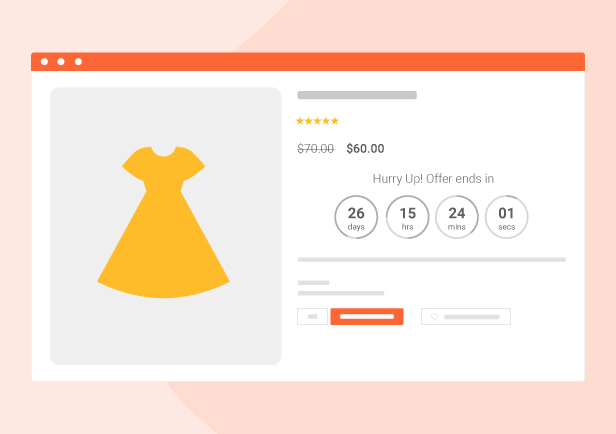
Schedule WooCommerce Sales With Countdown Timers
Easily schedule WooCommerce product sales and engage customers with eye-catching countdown timers that highlight your deals and encourage faster purchases.

WooCommerce Checkout Countdown Timer
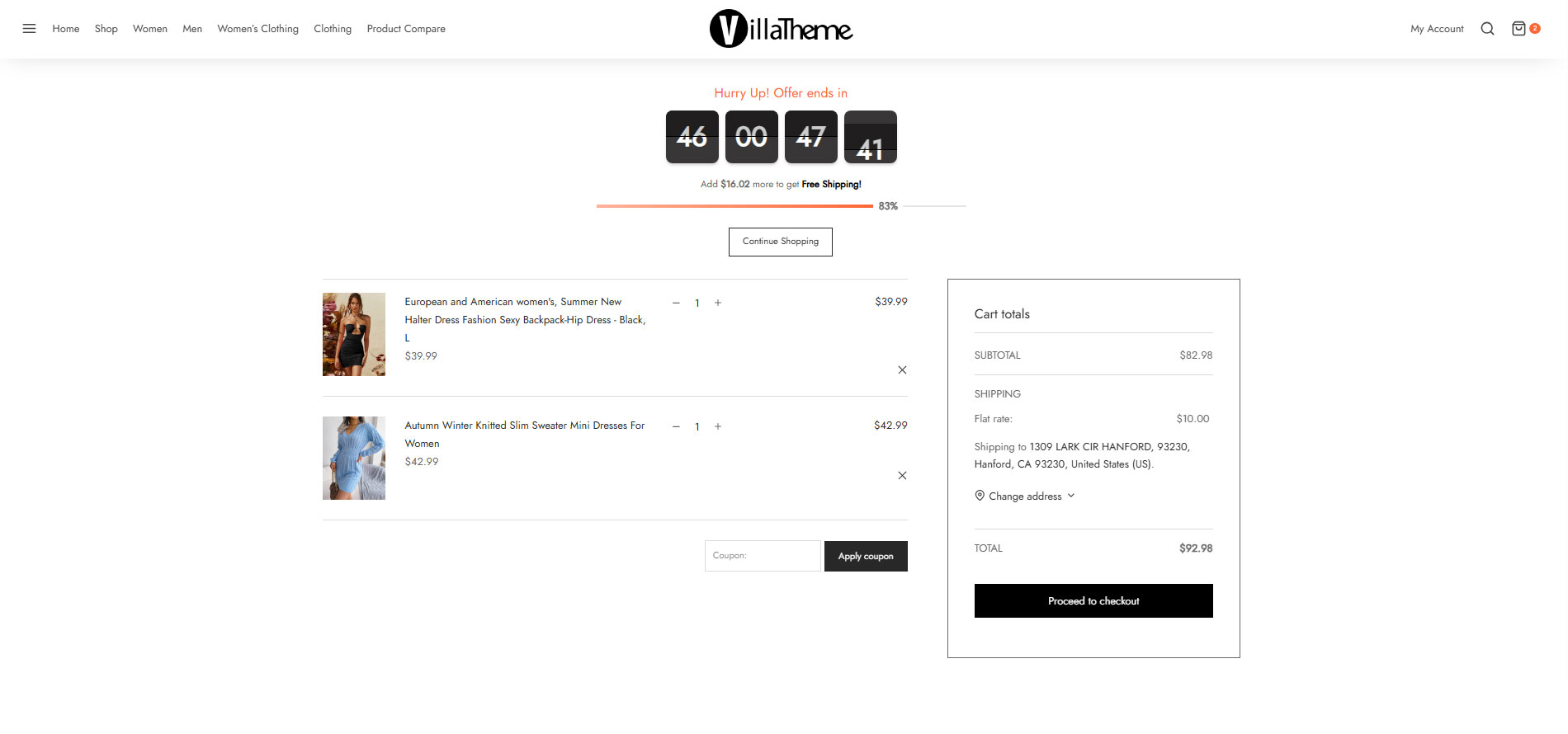
Display countdown timers during checkout to create urgency, encourage faster purchase decisions, and reduce cart abandonment rates.
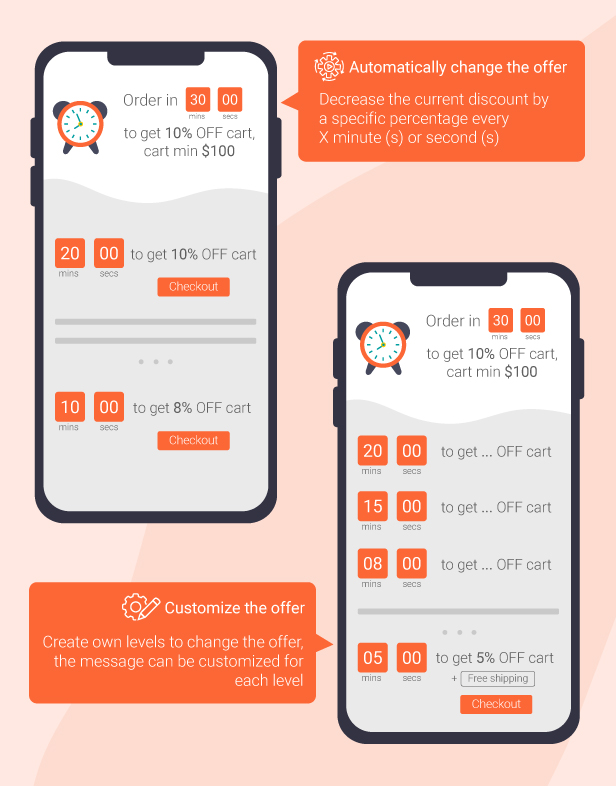
- Customers will receive special offers when they complete their purchase after reaching a minimum cart total within a limited countdown timer. This motivates customers to finalize their purchase more quickly, enhancing conversion rates and driving timely buying decisions.
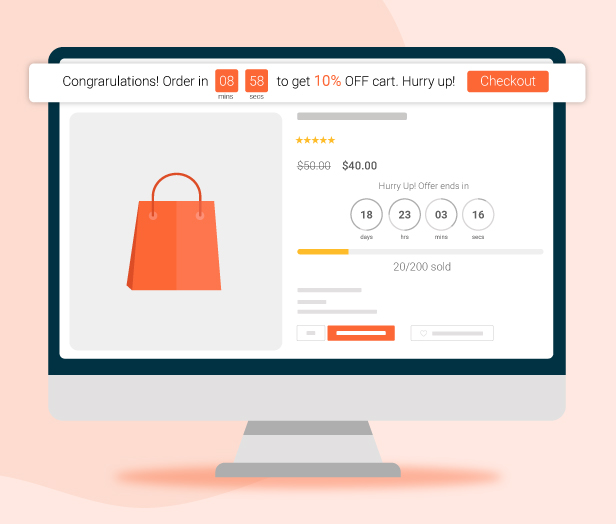

- Customize checkout offers with multiple milestone levels, where discounts and rewards automatically change over time during the countdown. Store owners can freely configure each offer level, countdown duration, and promotional message to create more engaging and dynamic checkout experiences

- Fully customize the checkout countdown timer to match your store design and marketing campaigns. Easily edit timer text, colors, styles, and display positions on checkout pages or other pages across your website to create a more engaging shopping experience


Edit text and design checkout countdown timer 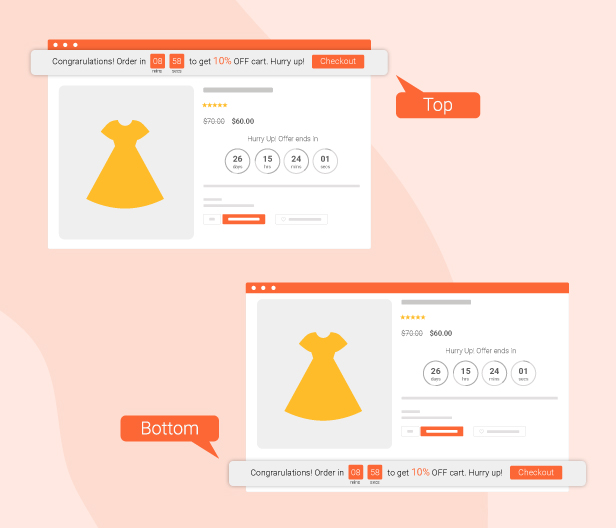

Customize the position of the checkout countdown timer 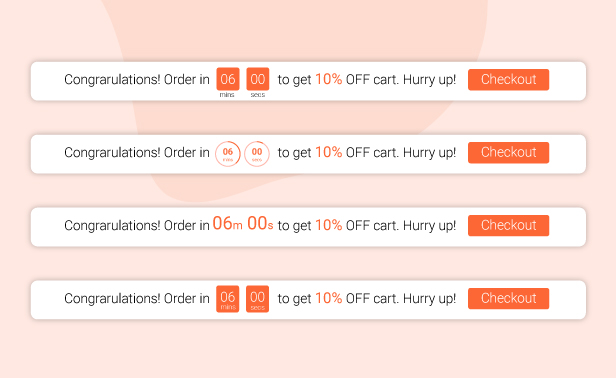

Various types of checkout countdown timers
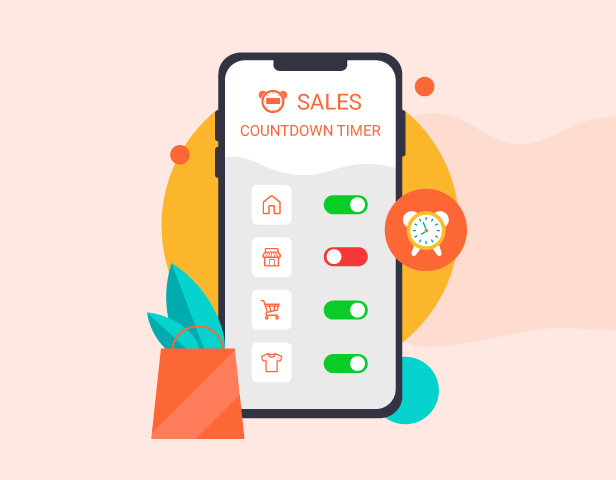
Display Checkout Countdown Timers on Specific Pages
Assign sale countdown timers to selected pages where checkout countdown offers should appear, helping you target customers at the right moment and create a more effective conversion-focused shopping journey.
Place Countdown Timers Anywhere on Your Website
Easily display countdown timers on any page using simple shortcodes, giving you the flexibility to create urgency wherever it matters most on your website.
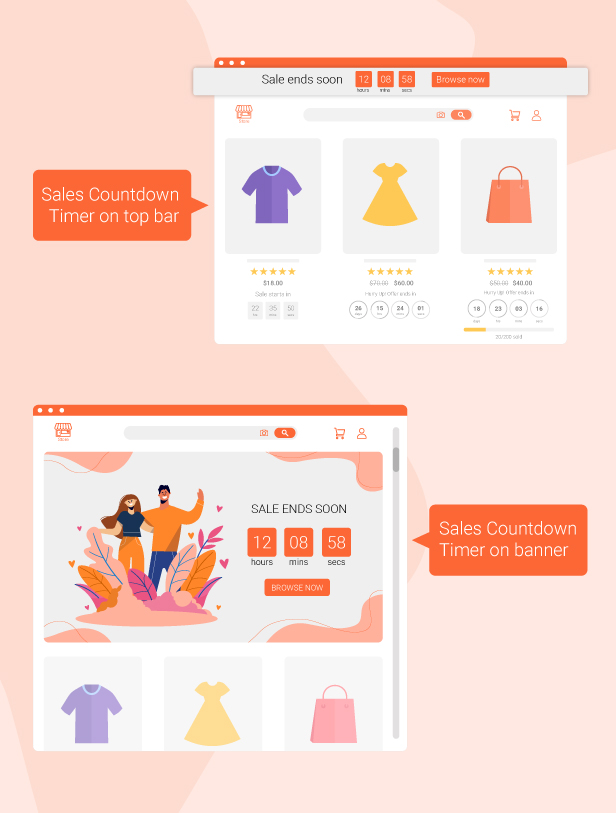
Customize Your Countdown Timer Design
Personalize colors, fonts, layouts, and display styles to make your countdown timer match your brand and capture customer attention more effectively.
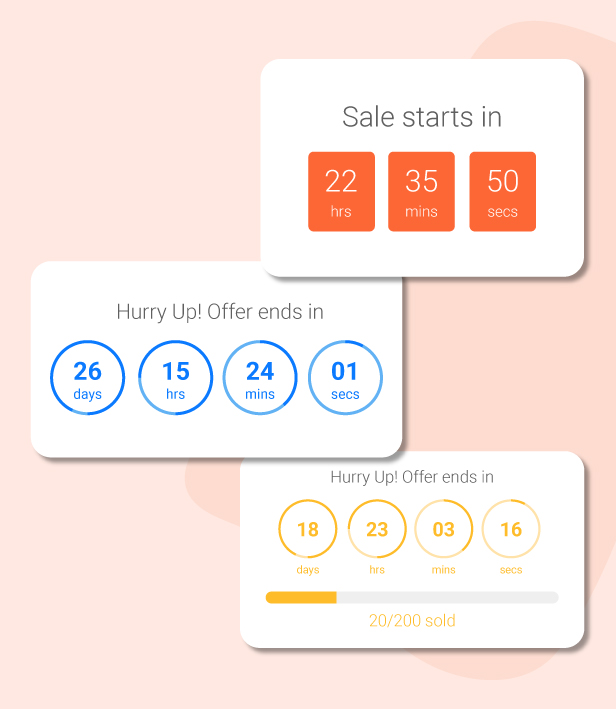
Trusted and Highly Rated by WooCommerce Users
The plugin is loved by many store owners for its effective countdown timers, easy customization, and ability to improve customer engagement and conversions.

WooCommerce Countdown timer
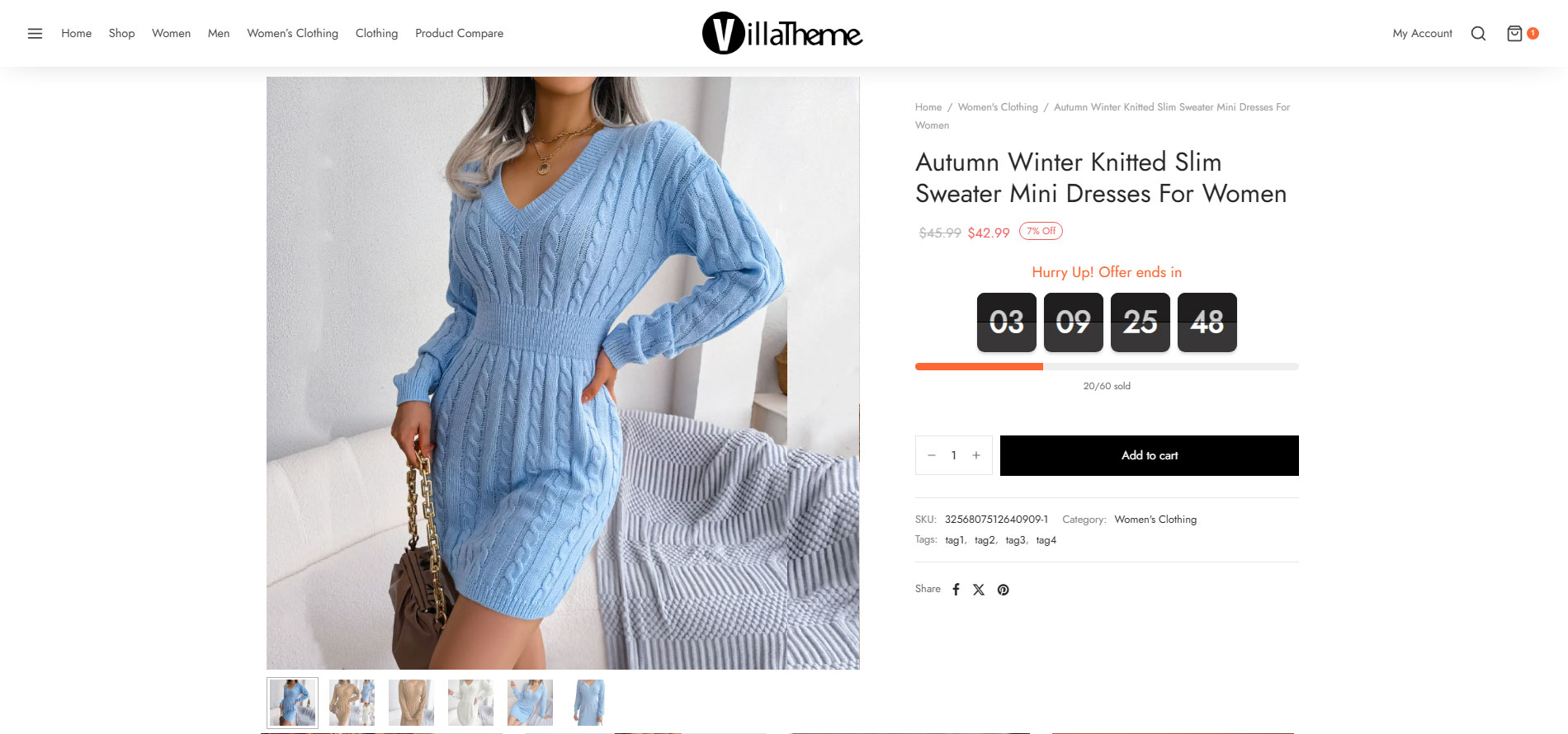
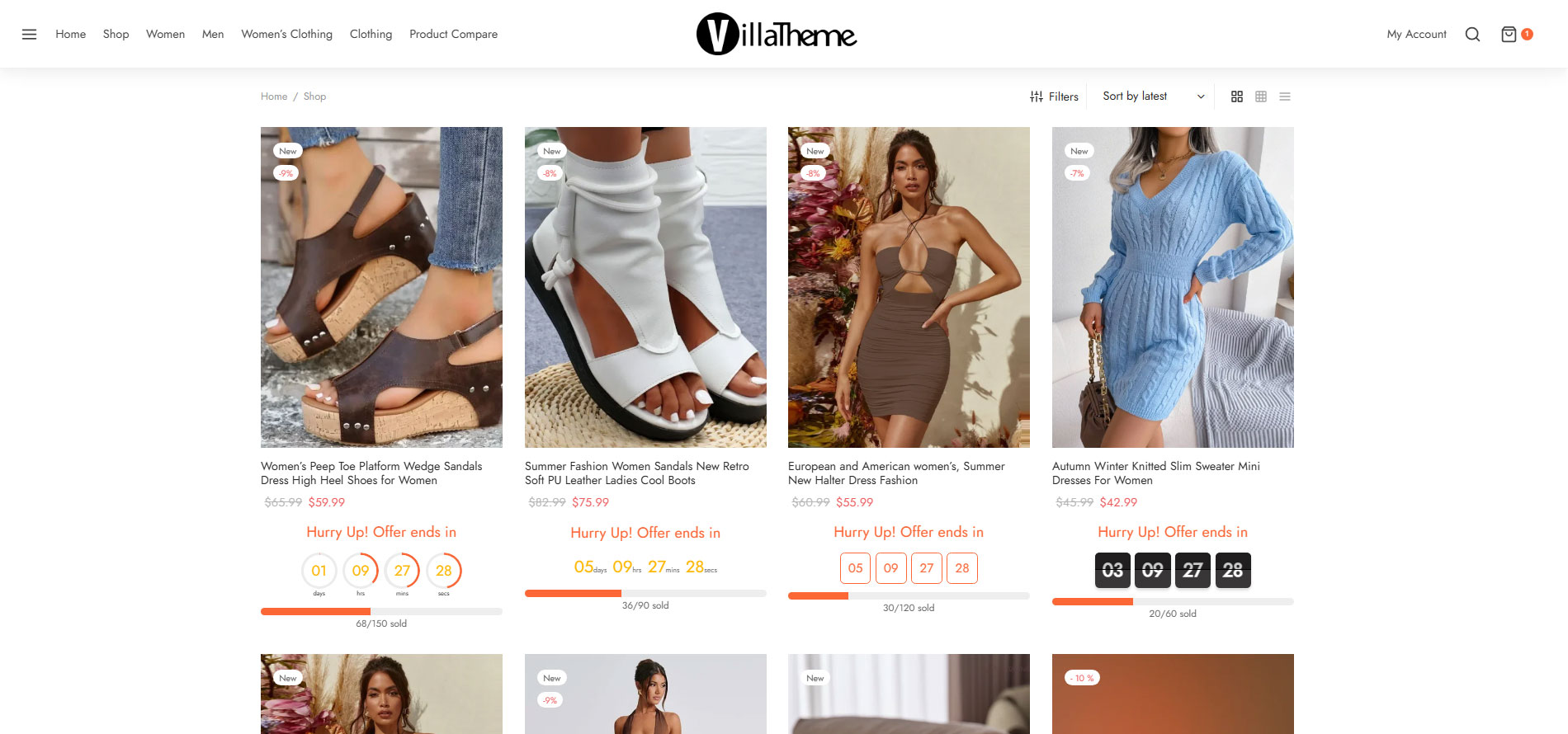
The plugin displays sales countdown timers on single product pages and the shop page of WooCommerce. The clocks will notify customers when the sales end or how many sale product quantities are left. In WooCommerce single product, you can select Sales Countdown Timer settings and schedule sale campaigns.
- Select Sales Countdown Timer profile in WooCommerce single product page, variation products, and select Sales Countdown Timer for bulk products.
- Display countdown clock based on WooCommerce sale scheduled time.
- Select a specific sale time. WooCommerce allows you to schedule sale time by date. With Sale Countdown Timer you can select specific sale times by hours and minutes.
- Position on single product pages: select where the countdown clock will be displayed on single product pages. There are many options for you to select: before product price, after product price, before the sale flash badges, after the sale flash badges, before the “Add to cart” button, after the “Add to cart” button, in the product picture.
- Position in archive pages: select where the countdown timers appear in archive pages like the shop page and categories pages. There are many options for you to select: before product price, after product price, before sale flash badges, after the sale flash badges, before the “add to cart” button, after the “add to cart” button, in the product picture.
- Display in shop page, categories page, and related products: you have options to choose to display or hide the countdown clock on these pages.
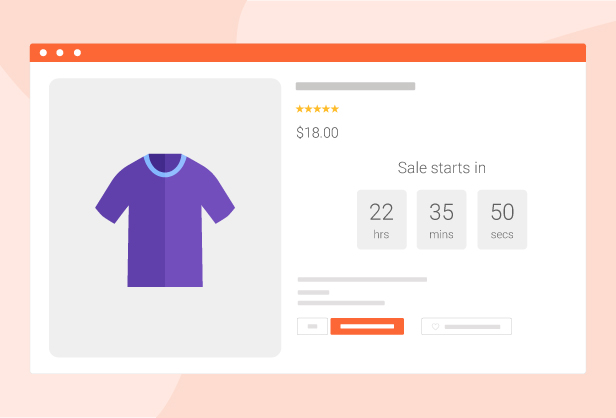
- Upcoming sale message: When you schedule a sale campaign in the future, you can choose to display an upcoming sale message on the single product page. The messages can be customized with a shortcode display of how much time is left until the sale time.
- Sale ends message: display when will the sale finish the message with the shortcode {countdown_timer}.
- Shortcode: the shortcode {countdown_timer} will display the countdown clock.
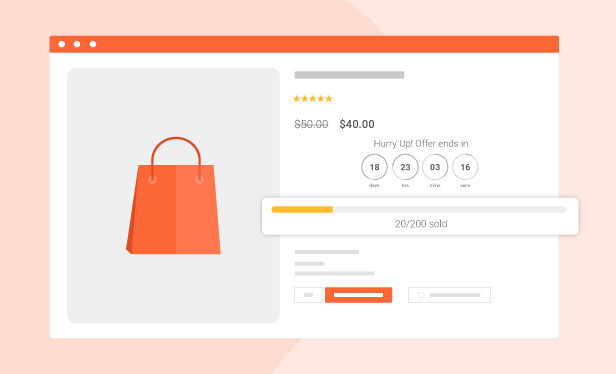
Sale Progress bar – Stock quantity bar
The plugin integrates a progress bar that displays how many products are available for the sale campaign, how many products are sold, and how many are left.
- Progress bar message: Configure the sale progress bar message as you want with shortcodes.
- Shortcodes:
{quantity_left} – Number of products left
{quantity_sold} – Number of products sold
{percentage_left} – Percentage of products left
{percentage_sold} – Percentage of products sold
{goal} – The goal that you set on the single product page - Progress bar type: select to display the sale progress as increases or decreases.
- Order status: select what order status will be counted in the progress bar.
- Position: there are 2 positions for the sale progress bar above the countdown clock and below the countdown clock.
- Design: configure the front end of the progress bar with options for width, height, background color, text color, and border-radius.
Shortcode Countdown Timer
The plugin does not require WooCommerce to work. You can display countdown clocks anywhere by using shortcodes. Settings for the Countdown Timer shortcode are similar to the WooCommerce Countdown Timer, the difference is that WooCommerce Countdown Timer displays WooCommerce sale time, and the Countdown Timer shortcode displays your chosen time. You can learn how to use shortcode to create a sale countdown timer here
- Display countdown timer by shortcodes.
- Select countdown time in the plugin backend.
Multiple setting profiles
The plugin allows you to set up as many Countdown Timer profiles as you want. Each profile is completely a standalone Sales Countdown Timer. With each profile, you can set up full settings including General settings and design settings.
Checkout countdown timer
- Set the checkout countdown timer for a minimum cart total to get a special offer.
- The reset mode will be applied only to Administrators for testing purposes.
- Reset the checkout countdown for a cart after this time if the customer does not place the order during the checkout countdown.
- Give offers before the checkout countdown timer hits zero: Free shipping and/or discount amount (percentage/fixed amount).
- Integrates options that allow you to change offers when the countdown timer hits specific values.
- Assign pages where the checkout countdown timer shows up.
- Design the checkout countdown timer on the checkout page and other assigned pages.
Design with WooCommerce countdown timer plugin
Feel free to design the sales countdown timer to fit with your front end.
- Time display: select the time separator style and time format style.
- Countdown timer clock design: configure front-end style with text color, background color, border color, padding, and border radius.
- Countdown timer item design: design the items inside the countdown timer, such as the date item, and hour item.
- Design the time value: time value includes the time number and unit. Customizing it with font size, text color, and background color.
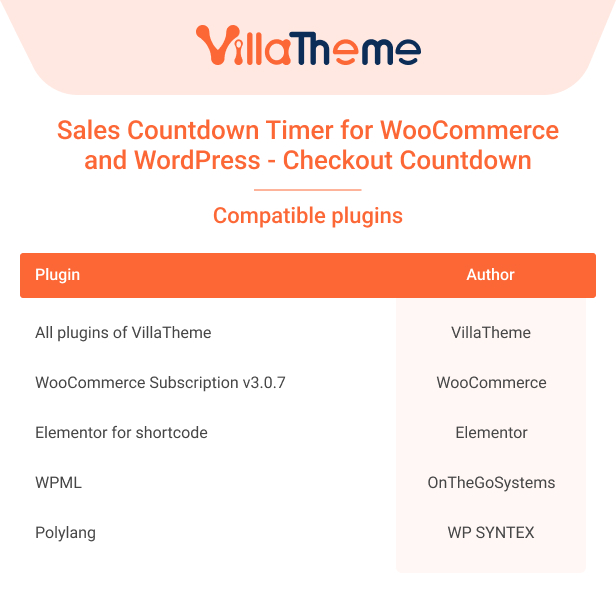
Compatibility table

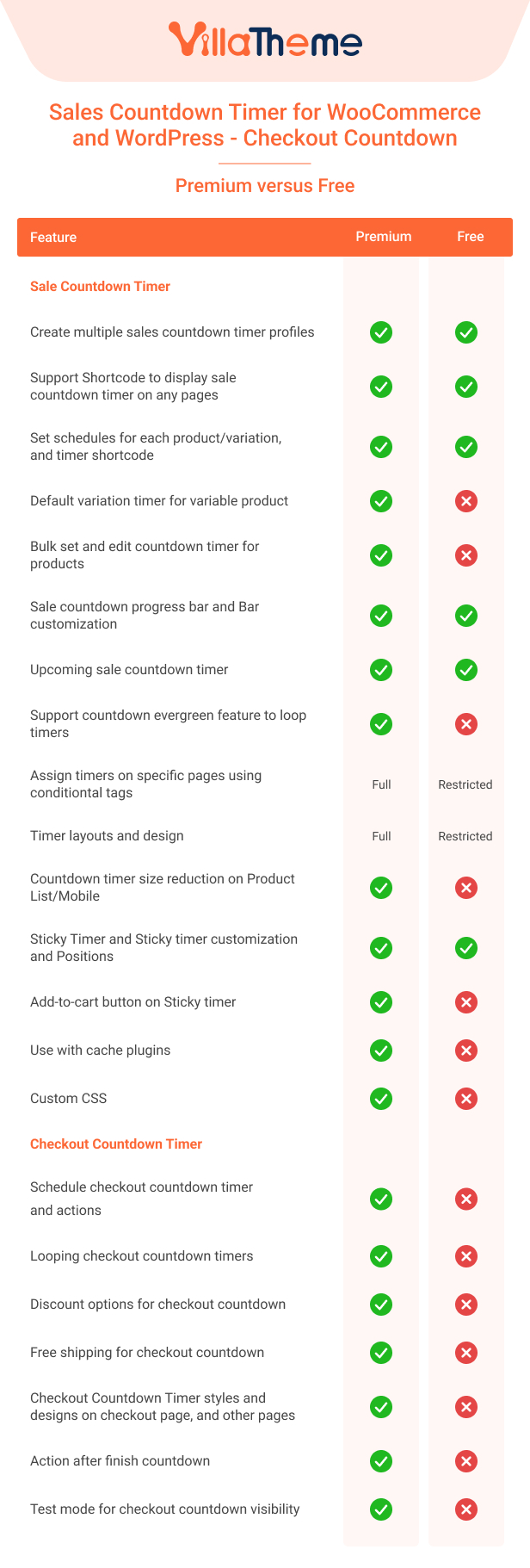
Comparison table for Free and Premium versions:
See this Preview of Woocommerce Countdown Timer
And watch this tutorial video