Description
WooCommerce Coupon Box helps you collect emails from your visitors. Don’t waste your traffic, Email marketing is an old-but-gold marketing channel. WooCommerce Coupon Box helps you turn traffic into email subscribers. WooCommerce Coupon Box displays a subscribe email pop-up to new visitors, offering coupons and asking them to subscribe email, generating and sending a coupon code to the subscribed email address. You can check the subscribed email addresses in the plugin back-end or sync with your email marketing platforms through API.
- Display Coupon Box pop-up, allowing users to subscribe to their email.
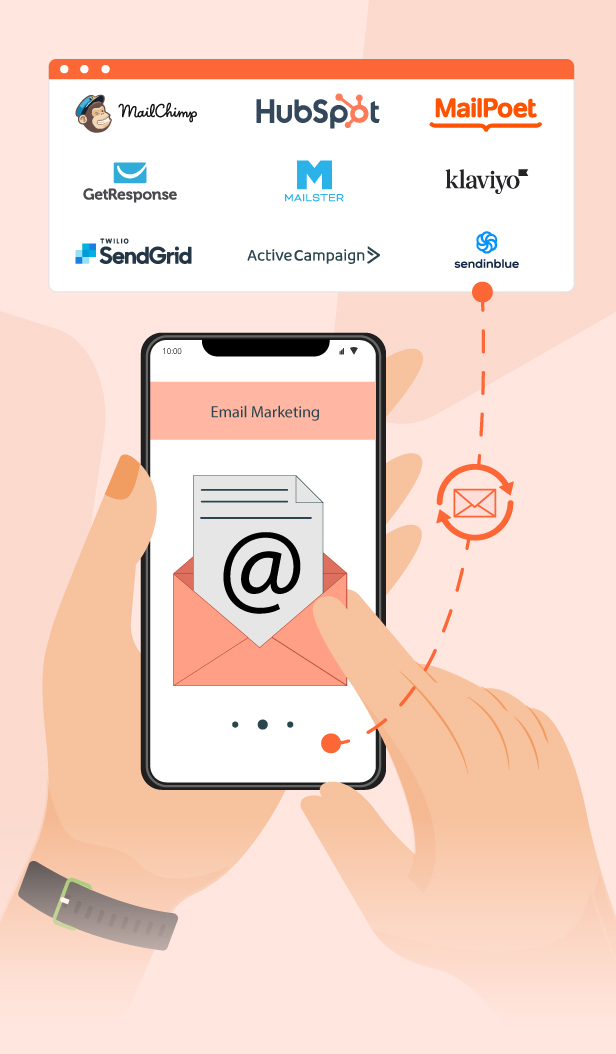
- Sync email with Mailchimp; Sendgrid; Active campaign; Hubspot; MailPoet; Klaviyo; and SendinBlue email platforms.
- Automatically generate and send coupons to subscribers.
- Various subscription forms
- Multilanguage coupon box
* IMPORTANT NOTE:
Our plugin supports assigning the coupon box popup on certain pages using WP’s Conditional tags. To handle WP’s Conditional Tags, this plugin uses eval() which is very dangerous because it allows the execution of arbitrary PHP code. Therefore, please only fill this field with proper conditional tags that are validated and/or provided by trusted developers.
WooCommerce Coupon Box for Email Collection and Customer Retention
Display attractive coupon popups to encourage visitors to subscribe with their email, helping you build valuable customer lists and increase repeat purchase rates.

Collect Customer Data for More Effective Marketing Campaigns
The plugin helps website owners collect visitor emails and phone numbers through attractive coupon popups, making it easier to build customer lists and improve marketing and remarketing performance.

Integrate With Popular Email Marketing Platforms
Easily sync customer data such as emails and phone numbers to email marketing platforms like SendGrid, ActiveCampaign, and Mailchimp via API for more effective automated marketing campaigns.
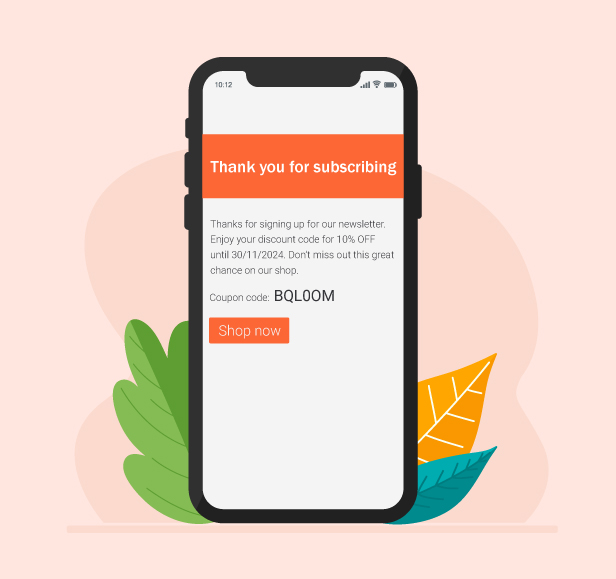
Automatically Send Discount Codes to New Subscribers
After customers submit their email or phone number, the plugin can automatically send a thank-you email with a discount code and an optional “Shop Now” button to encourage purchases. Store owners have full control over coupon settings, including percentage discounts, fixed discounts, coupon value, expiration time, and usage conditions to match different marketing campaigns.
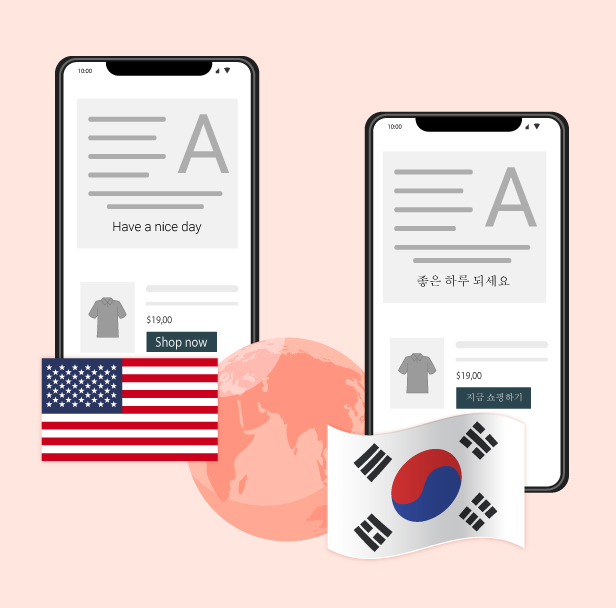
WPML Compatible and Multilingual Ready
Fully compatible with WPML, allowing you to translate coupon boxes into multiple languages and create a better shopping experience for international customers.
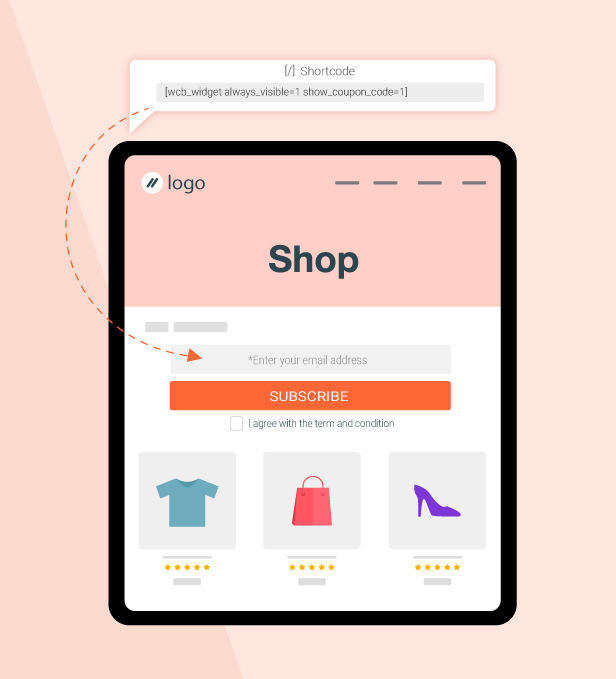
Display Coupon Boxes Anywhere With Shortcodes
Easily place coupon boxes anywhere on your website using simple shortcodes, giving you the flexibility to collect customer information where it performs best.
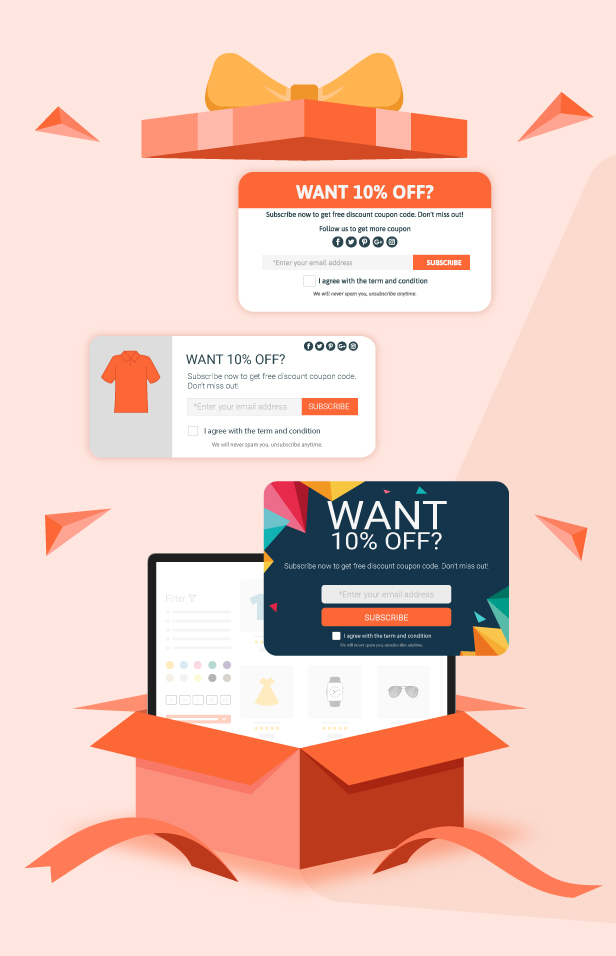
Multiple Ready-to-Use Coupon Box Layouts
Choose from various pre-designed coupon box layouts and easily customize elements such as colors, content, images, and buttons to match your store branding and marketing style.
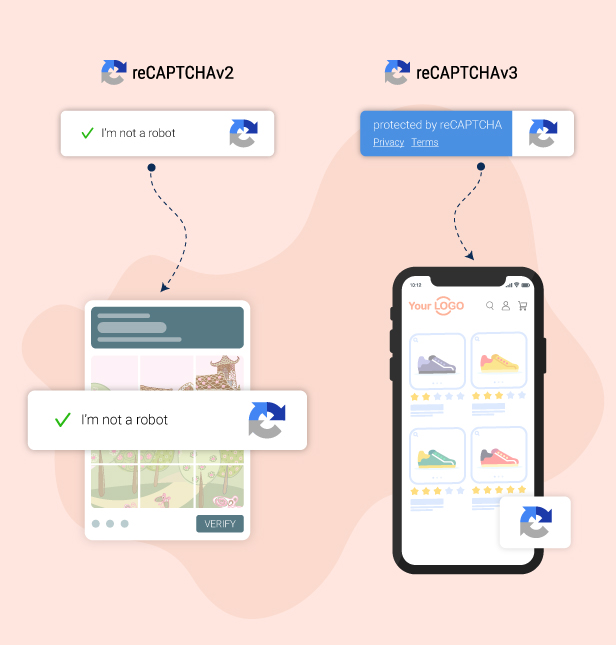
Protect Your Forms With Google reCAPTCHA
Integrated with Google reCAPTCHA v2 and v3 to help prevent spam submissions and secure your signup forms for a safer user experience.
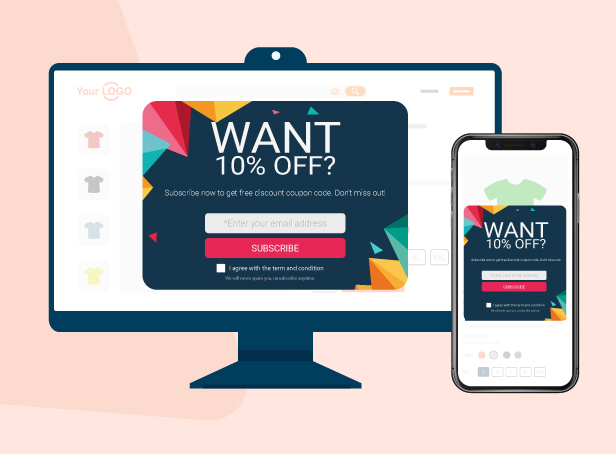
Fully Responsive on All Devices
The coupon box is fully optimized for desktop, tablet, and mobile devices, ensuring a smooth signup experience across all screen sizes.
DISPLAY WOOCOMMERCE COUPON BOX POP-UP
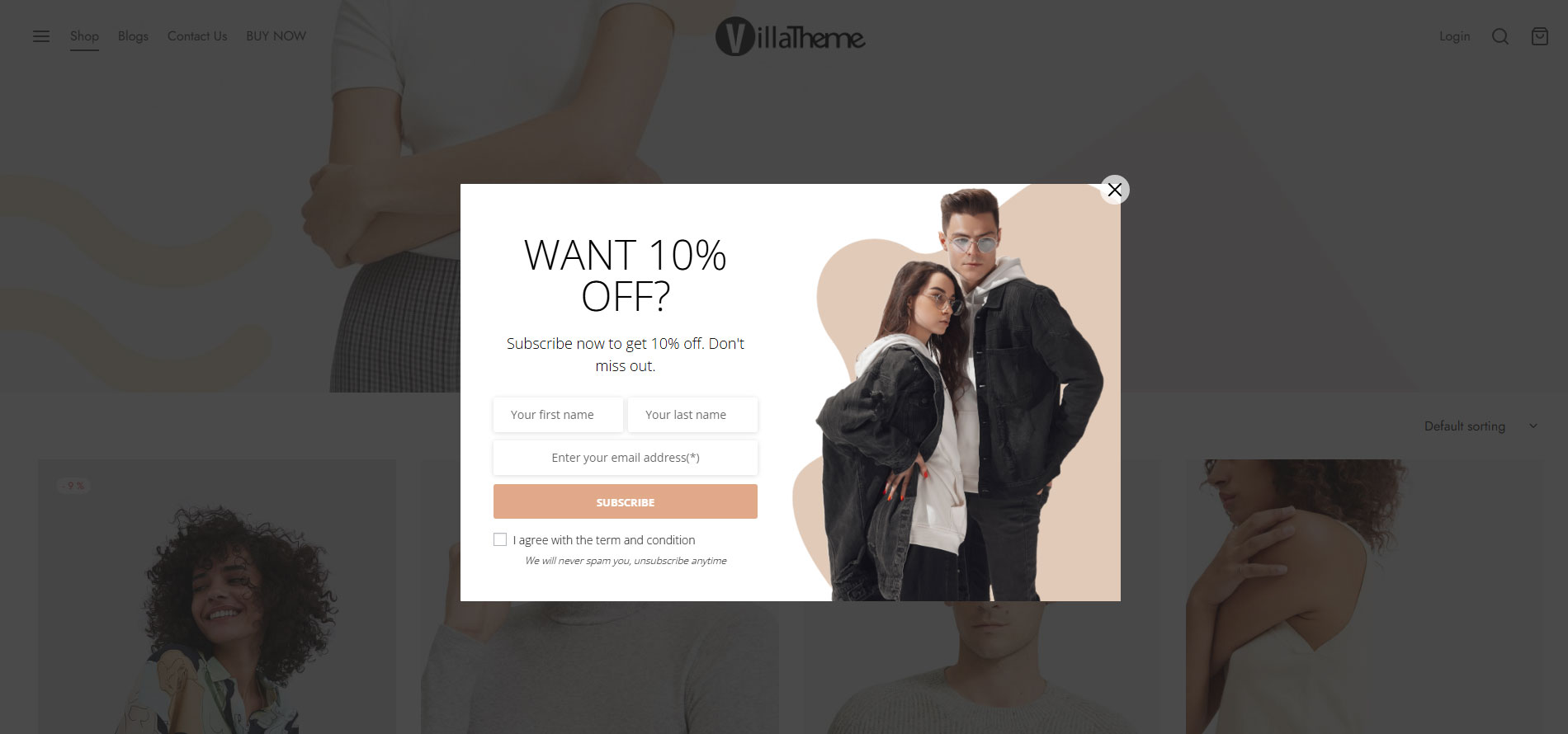
A popup will appear when users visit your site and offer a discount when they subscribe to the coupon box.
-
-
- Pop-up trigger: You can select to display the coupon box pop-up after a selected time after customers scroll their mouse when customers are about to leave your site (hover mouse on close button)
- Minimize the bar: If customers skip the pop-up, you can select to hide the pop-up or minimize it into the top bar or button of your page. Note: This feature is unavailable in mobile mode because of UI restrictions.
- Subscribe Reminder time: Schedule a time for the pop-up to reappear if a user skips it.
- Display only on Homepage: the option that allows you to display the pop-up only on the homepage of your site.
- Conditional tags: Configure which page where the coupon box will appear using WordPress conditional tags.
-
GENERATE AND SEND COUPON
The WooCommerce Coupon Box plugin can send discount coupons to subscribers. You can select to send existing coupons or generate unique coupons.
- Generate unique coupon: Whenever a visitor subscribes to an email, the plugin will generate a unique coupon and send it to his/her email address. You can set up the coupon type, amount, prefix, and all other settings like a WooCommerce coupon.
- Existing coupons: With this option, you will choose an existing coupon to send to subscribers. You can choose to allow only subscribed emails to use the coupon.
- Custom: Sending a custom code to subscribers.
- Do not use coupons: With this option, visitors will not receive coupons when they subscribe to emails.
- Multilanguage coupon box: This plugin is made compatible with WMPL and Polylang which allow displaying coupon boxes in the language of the customer.
EMAIL API
This plugin integrates some email marketing platforms, allowing subscribed emails to sync to these platforms and perform other marketing strategies as needed. The email marketing platforms available:
- Mailchimp
- Sendgrid
- Active Campaign
- Hubspot
- MailPoet
- Klaviyo
- SendinBlue
GOOGLE RECAPTCHA
ReCaptcha 2: “I’m not a robot” Checkbox. This requires the user to click a checkbox indicating the user is not a robot. This will either pass the user immediately (with No CAPTCHA) or challenge them to validate whether or not they are human. This is the simplest option to integrate with and only requires two lines of HTML to render the checkbox.
ReCaptcha 3: reCAPTCHA v3 allows you to verify if an interaction is legitimate without any user interaction. It is a pure JavaScript API returning a score, giving you the ability to take action in the context of your site: for instance, requiring additional factors of authentication, sending a post to moderation, or throttling bots that may be scraping content.
SEND COUPON EMAIL
The WooCommerce Coupon Box plugin will automatically send emails to subscribers. Configure the email content as you want.
- Email content: Write the emails that will be sent to subscribers with email heading, subject, and content.
- Shortcode: The plugin provides you shortcodes to display necessary information in the email{coupon_value} – The value of the coupon, can be a percentage or currency amount depending on coupon type{coupon_code} – The coupon code that will be sent to your subscribers{date_expires} – From the date that given coupon will no longer be available{last_valid_date} – That last day that coupon is valid{site_title} – The title of your website{shop_now} – The Shop Now button
- Shop now button: the button that helps the customer to use the coupon you’ve just sent to them. You can set up the title, the URL, and the design of the button.
EMAIL CAMPAIGN
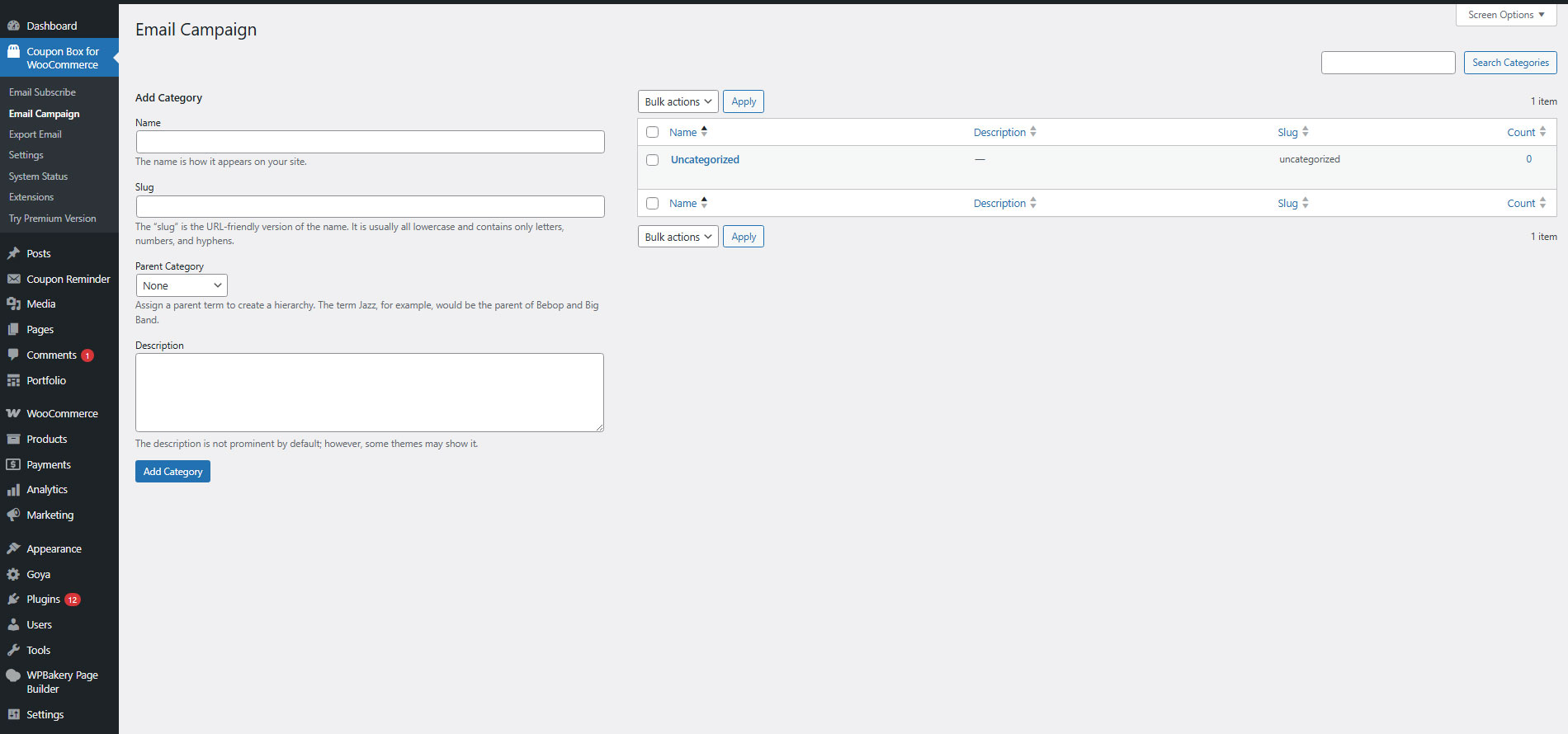
Subscribed emails from the WooCommerce Coupon Box plugin will be saved in email campaigns.
- Export emails: export your subscribed emails as an Excel file. Then you can select to export from a selected subscribe time or export from a selected campaign.
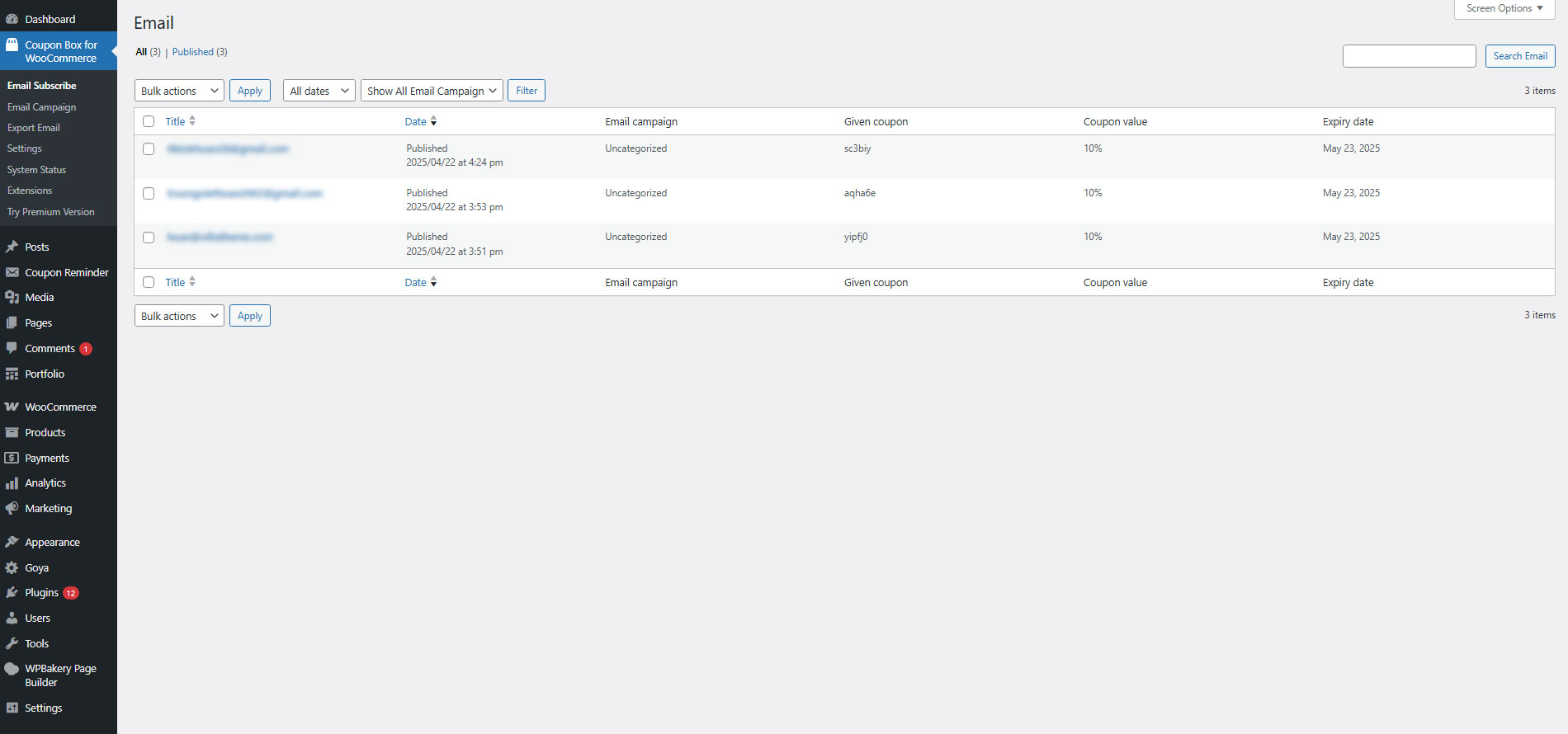
- List subscribed emails: check the subscribed emails list in your backend. The list includes email address, subscribe time, email campaign, given coupon, MailChimp/Active Campaign/SendGrid list.
- Email Campaign: categorize subscribed emails using email campaigns.
DESIGN
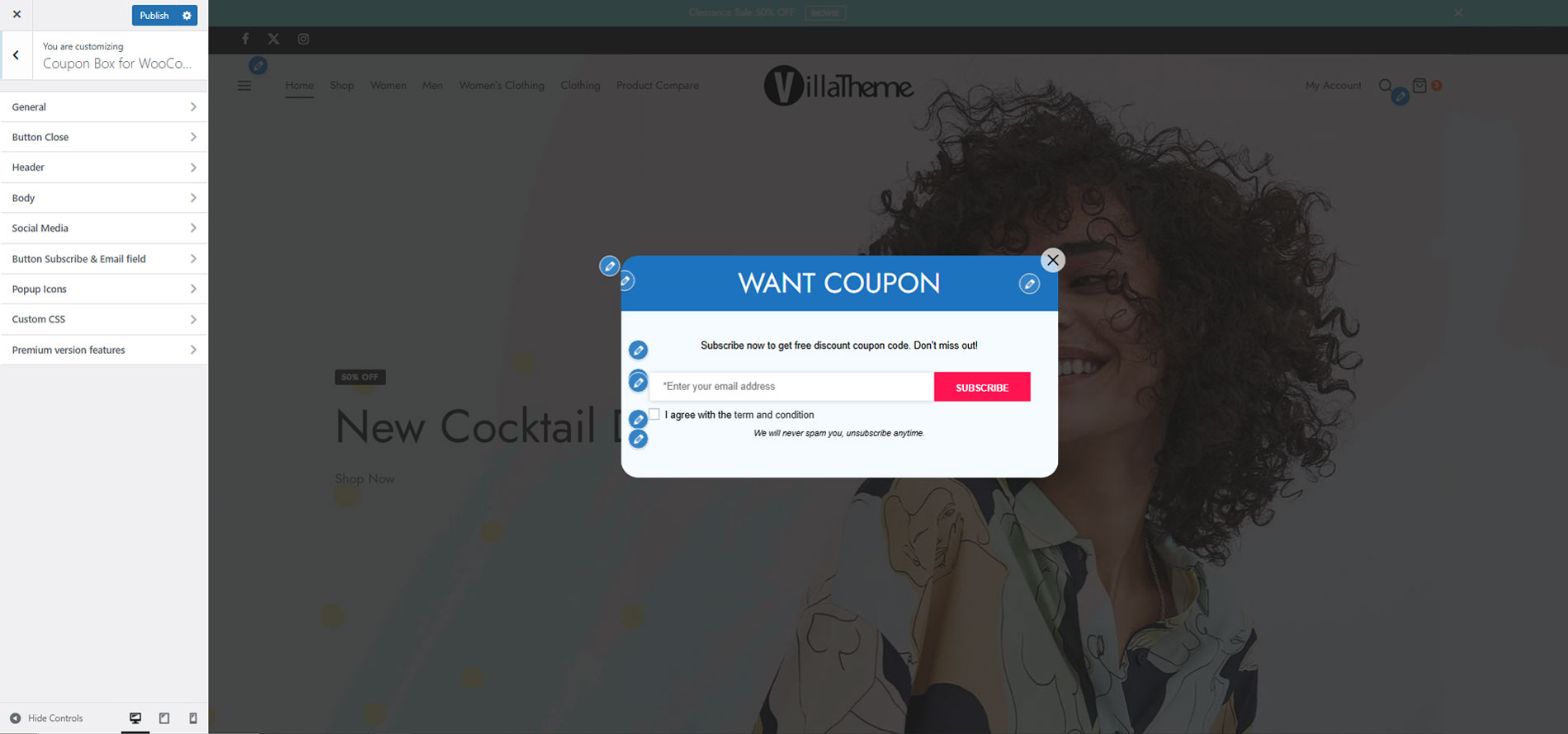
The front-end style of the Coupon Box pop-up to match your site’s style.
- Templates: 4 templates with 4 different element arrangement ways.
- Message: Display welcome, congratulation, and thank you message.
- GDPR Checkbox: Display a checkbox that allows customers to agree with your site policy and terms of use.
- Close button styles: 6 different icon styles for the close button, size, and position.
- Header Style: Configure the header style with the title and background. You can use images as your background.
- Body style: Configure the Coupon Box body style with text font, and background image.
- Social Network icons: Display your social network on the Coupon Box pop-up.
- Subscribe Button: Design your subscribe button with text, text color, and background color.
- Custom CSS: The plugin allows you to add your own Custom CSS code to change the front end.
AUTO-UPDATE
Within your support period, you can automatically update the plugin from your Dashboard. After that, you are still able to update the plugin manually.
COMPATIBILITY TABLE
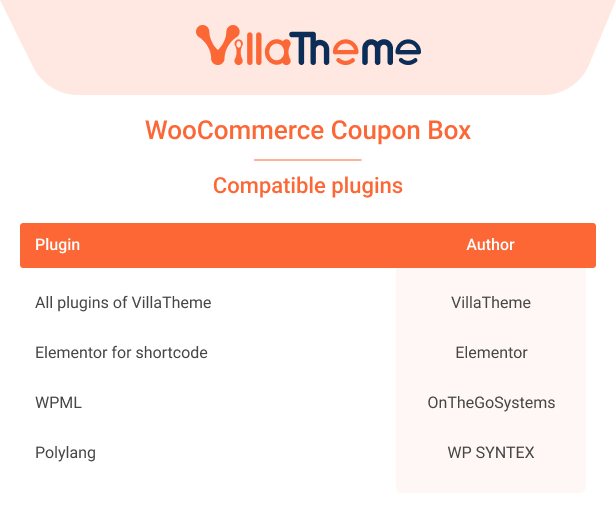

COMPARISON TABLE OF FREE AND PREMIUM VERSIONS

Watch this short preview of the WooCommerce Coupon Box:
Learn how to use the plugin in this tutorial video: