Description
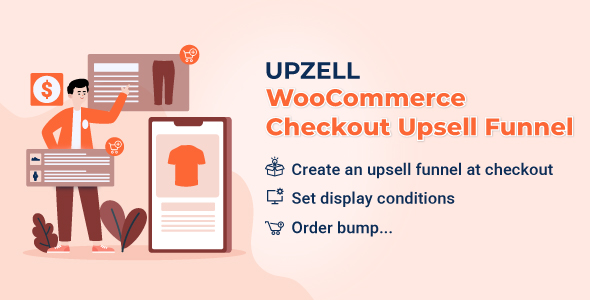
Upzell – WooCommerce Checkout Upsell Funnel – Order Bump is a WooCommerce extension that helps you to offer product suggestions and WooCommerce order bump with attractive discounts to the customers on their checkout page. On the checkout page, the WooCommerce Checkout Upsell Funnel – Order Bump will suggest customers purchase extra products along with a good deal without interrupting their checkout progress.
Checkout Upsell Funnel to Increase Order Value
Display suggested products directly on the checkout page to encourage customers to add more items before completing their purchase. Relevant product recommendations help shoppers discover related products or attractive offers more naturally, increasing average order value and improving conversion rates.
This feature makes the upsell process feel seamless without interrupting the checkout experience.
Display Upsell Products to Encourage More Purchases
Show relevant upsell product recommendations during the shopping journey to attract customer attention and encourage them to add more items to their orders. Smart product suggestions help shoppers discover related products, complementary items, or attractive offers more naturally, increasing average order value.
This feature enhances the shopping experience while helping stores improve revenue more effectively.
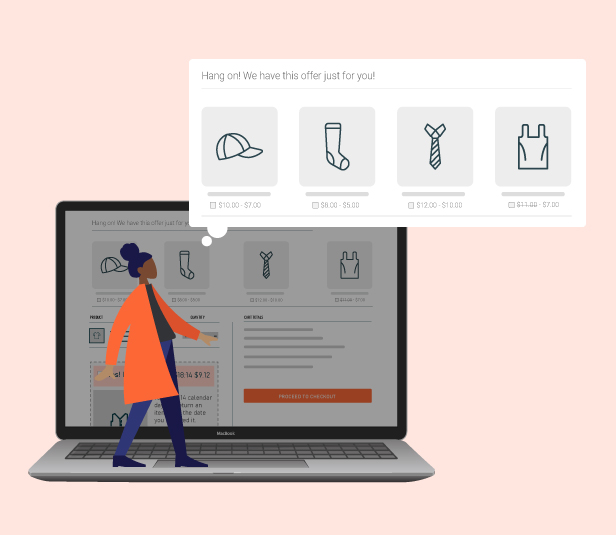
Smart Order Bump Recommendations at Checkout
Recommend relevant supplementary products directly during checkout to encourage customers to add more items before completing their orders. Well-timed order bump suggestions help shoppers naturally discover related or complementary products without interrupting the checkout experience.
This feature helps increase average order value while creating a smoother and more convenient shopping journey for customers.
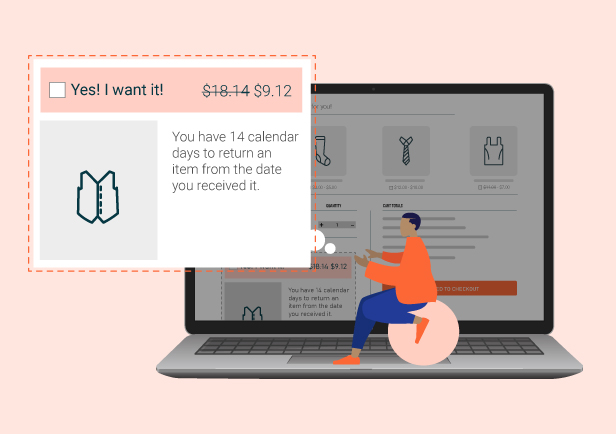
Flexible Conditions for Displaying Upsell Products
Easily create flexible conditions to display upsell products and order bumps based on different shopping scenarios and customer behaviors. You can configure rules by time, products, cart conditions, customers, and more to ensure recommendations appear at the most relevant moments.
This feature helps optimize upsell performance, increase customer interest in suggested products, and improve average order value more naturally.
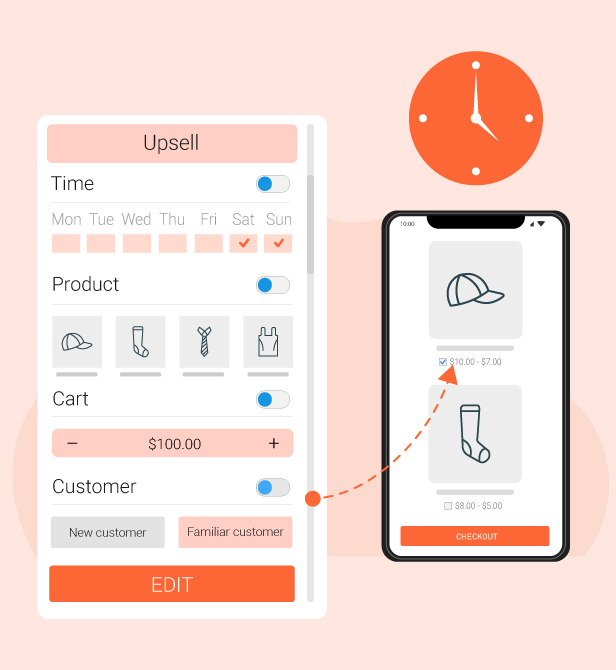
Create Attractive Offers for Suggested Products
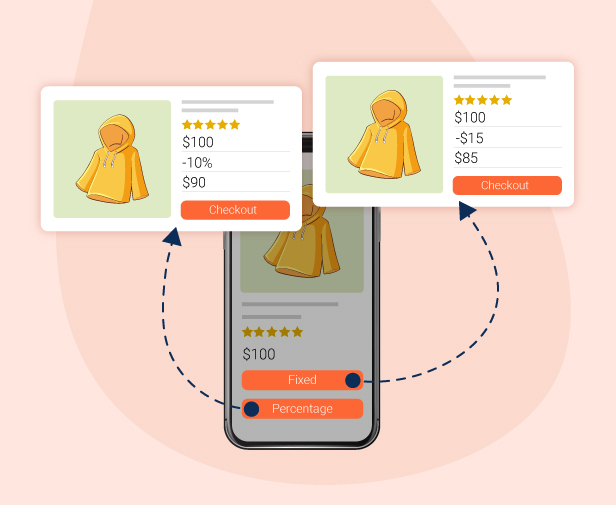
Easily set up various offers for customers when they purchase suggested products, such as discounts, free gifts, special deals, or other additional benefits. These incentives make upsell products more appealing and encourage customers to add more items during checkout.
This feature not only enhances the shopping experience but also helps improve revenue and increase average order value more effectively.
Flexible Upsell Product Positions on Checkout Page
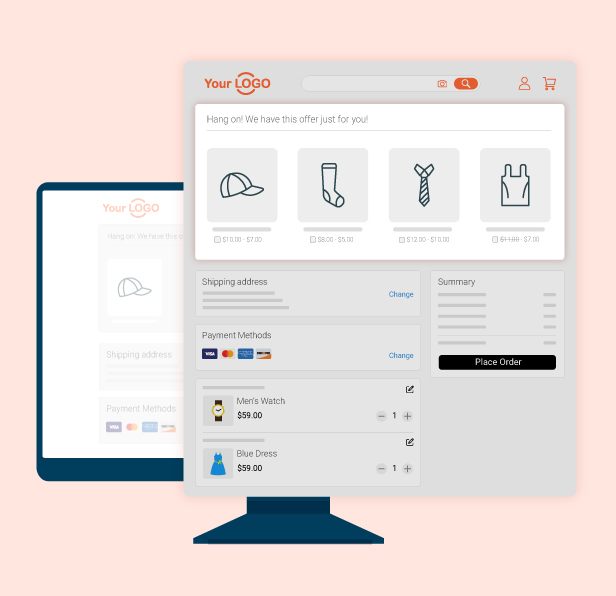
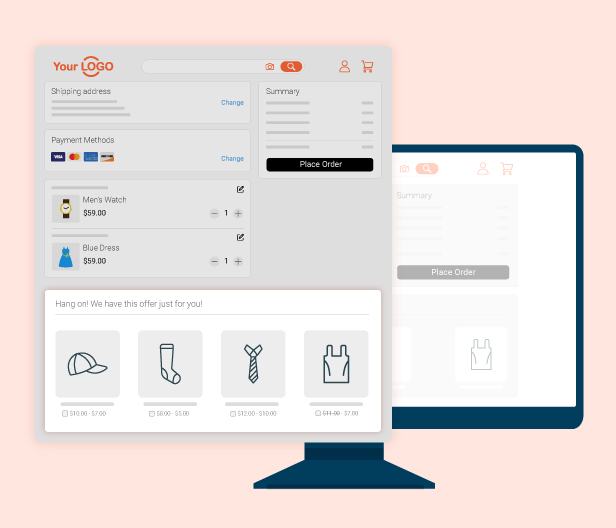
Choose where upsell products appear on the checkout page to match your store layout and maximize customer attention. You can place suggested products in different checkout areas to create a more natural shopping experience and increase the chances of customers adding more items to their orders.
This feature helps optimize upsell performance while maintaining a smooth and user-friendly checkout experience.
Track Upsell Performance With Detailed Reports
Save and track customer interactions when they click upsell products or engage with order bump offers, allowing you to measure the effectiveness of your upsell campaigns more accurately. These reports help admins better understand customer behavior, identify high-performing recommendations, and optimize upsell strategies to improve revenue.
This feature supports data-driven improvements for both marketing performance and customer shopping experiences.

THE PLUGIN FEATURES
Upsell Funnel
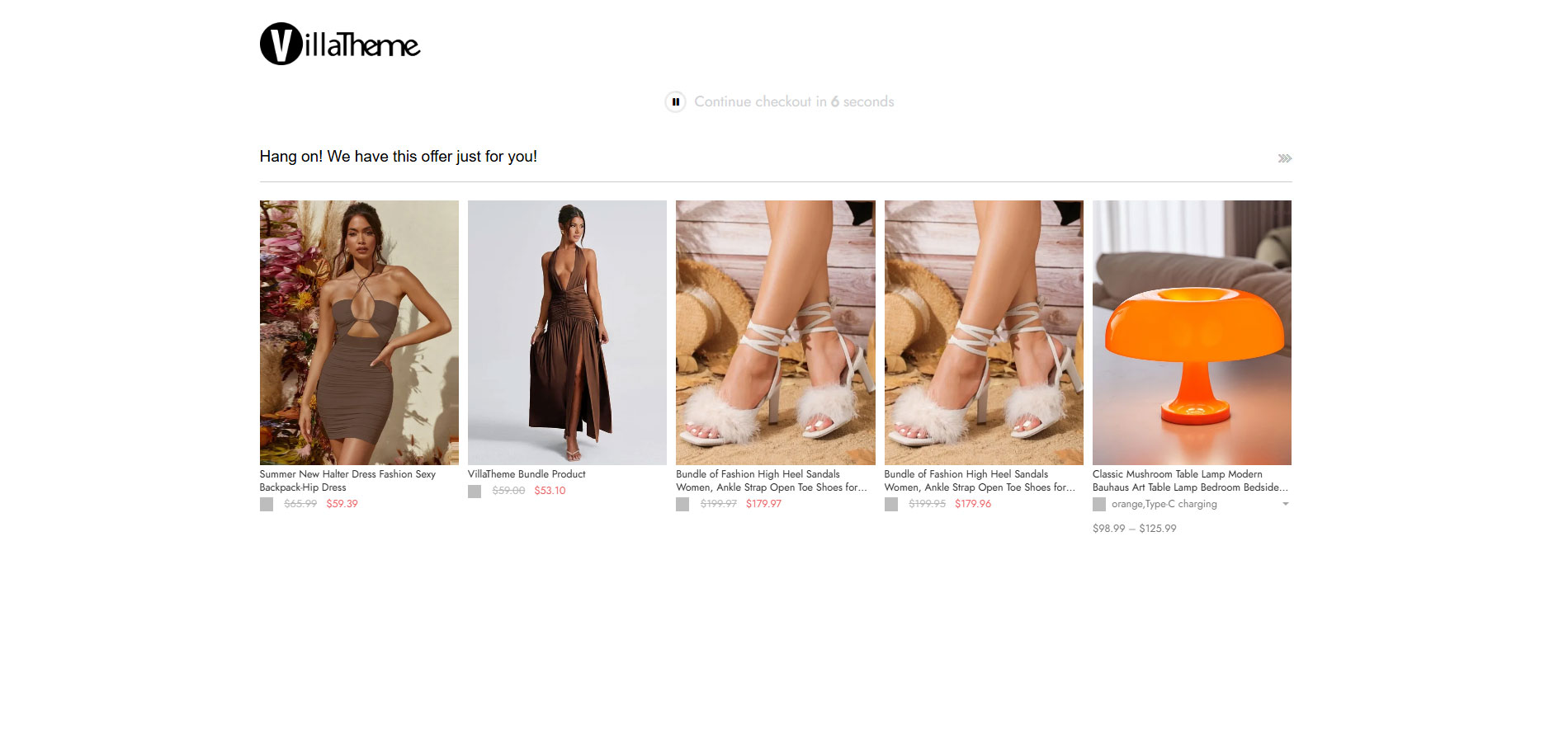
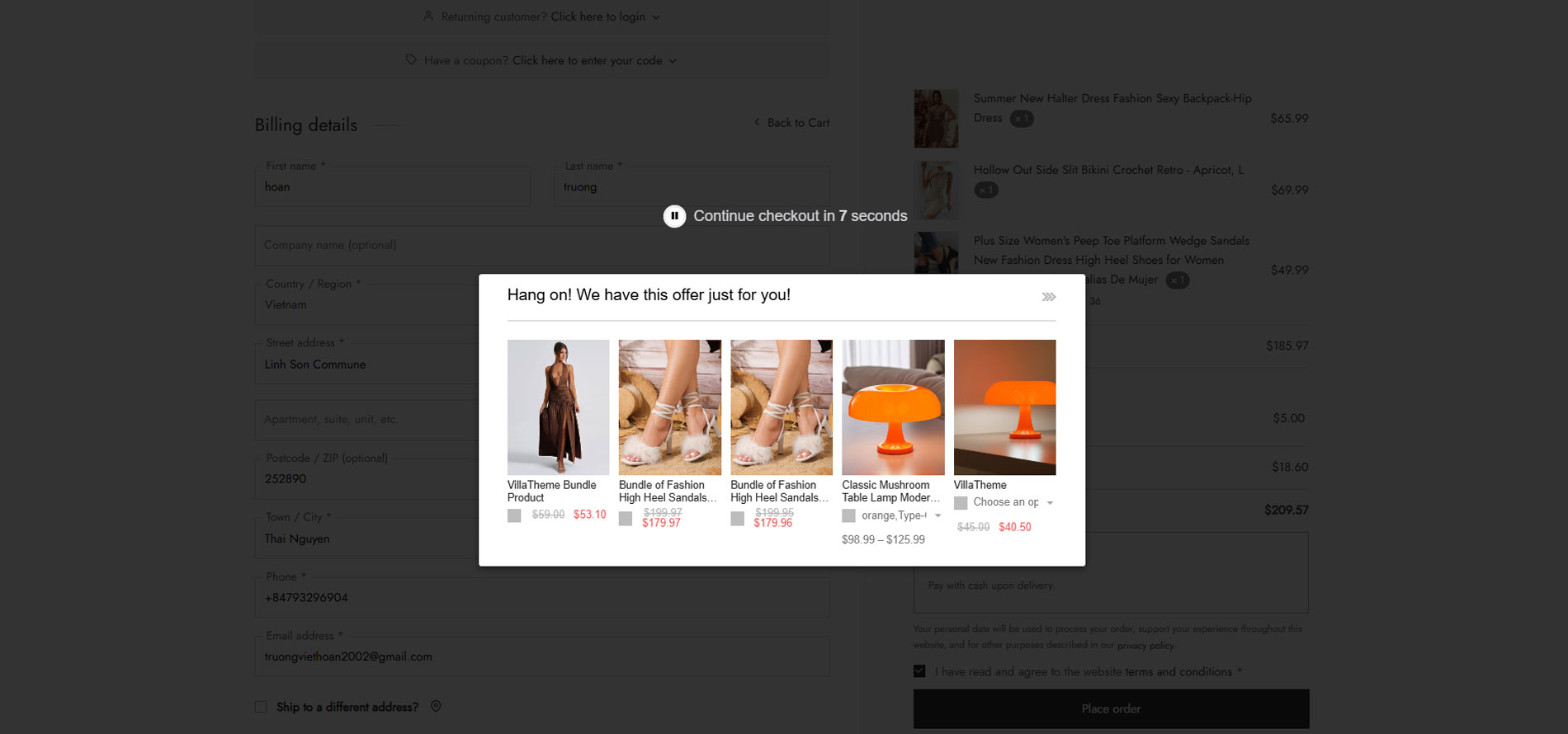
When the customers hit the “Place Order” button, WooCommerce Checkout Upsell Funnel will offer them a checkout funnel to buy extra products with a discount. Moreover, those offers will not interrupt their checkout progress. If the customer accepts the offer, the extra product will be added to their going-to-purchase order.
- Suggest products: the plugin will suggest customers purchase more products when they hit the “Place Order” button. You can create the suggestion on the Checkout page from many types of products on your WooCommerce.
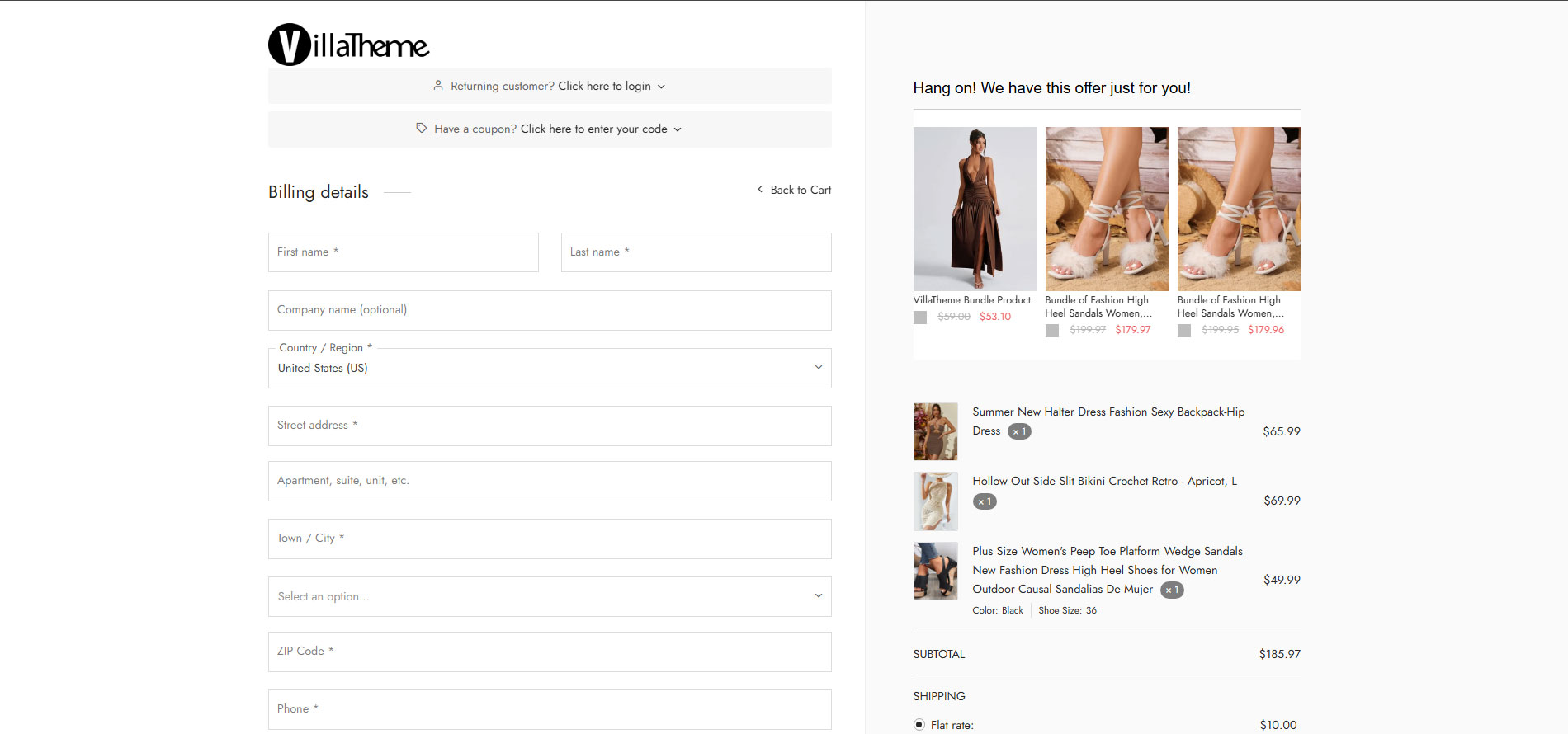
- Display location: you can choose to display the suggested products on the checkout page, on a pop-up, or redirect the customers to an “order suggestion” page.
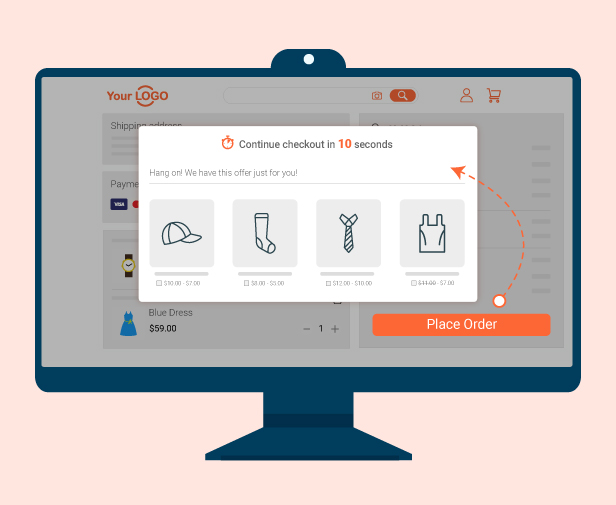
- Pop-up: the order suggestion pop-up will appear on the checkout page when a customer clicks on the place order button.
- On the checkout page: a product suggestion list will appear on the checkout page when a customer clicks on the place order button.
- Order suggestion page: with this option, the customers will be redirected to this page when they click place order.
- Display time: Set up the days in the week to display the suggested products.
- Discount rules: apply the discount type and discount amount for product suggestions to encourage the customers to buy more products.
- Design Checkout Funnel: Many options to design the layout, content, title, product list and icons of the Checkout funnel. Besides that, you can use the available shortcode to make the title, content, messages on Checkout Funnel become more flexible.
- Countdown timer on Checkout page: Create and design Countdown timer on Checkout Funnel. The display of the countdown timer on the checkout page will encourage the customers to buy the suggested products more quickly.
- Custom CSS: You can add your own CSS code to design the upsell funnel on the front-end as you want.
Conditions for displaying the Upsell Funnel
You can set up the conditions to display the Upsell Funnel
- Product conditions: set the conditions such as product price, include products, exclude products, include categories, exclude categories, product visibility.
- Cart conditions: Cart total, Cart items, applied coupon, billing address, shipping address. The customers need to have their carts met the conditions to be offered the product suggestion on the checkout page.
- Customer conditions: Limit per day, only logged in, include/exclude user role, include/exclude user. Only customers meeting the conditions are offered the product suggestion on the checkout page.
WooCommerce Order Bump
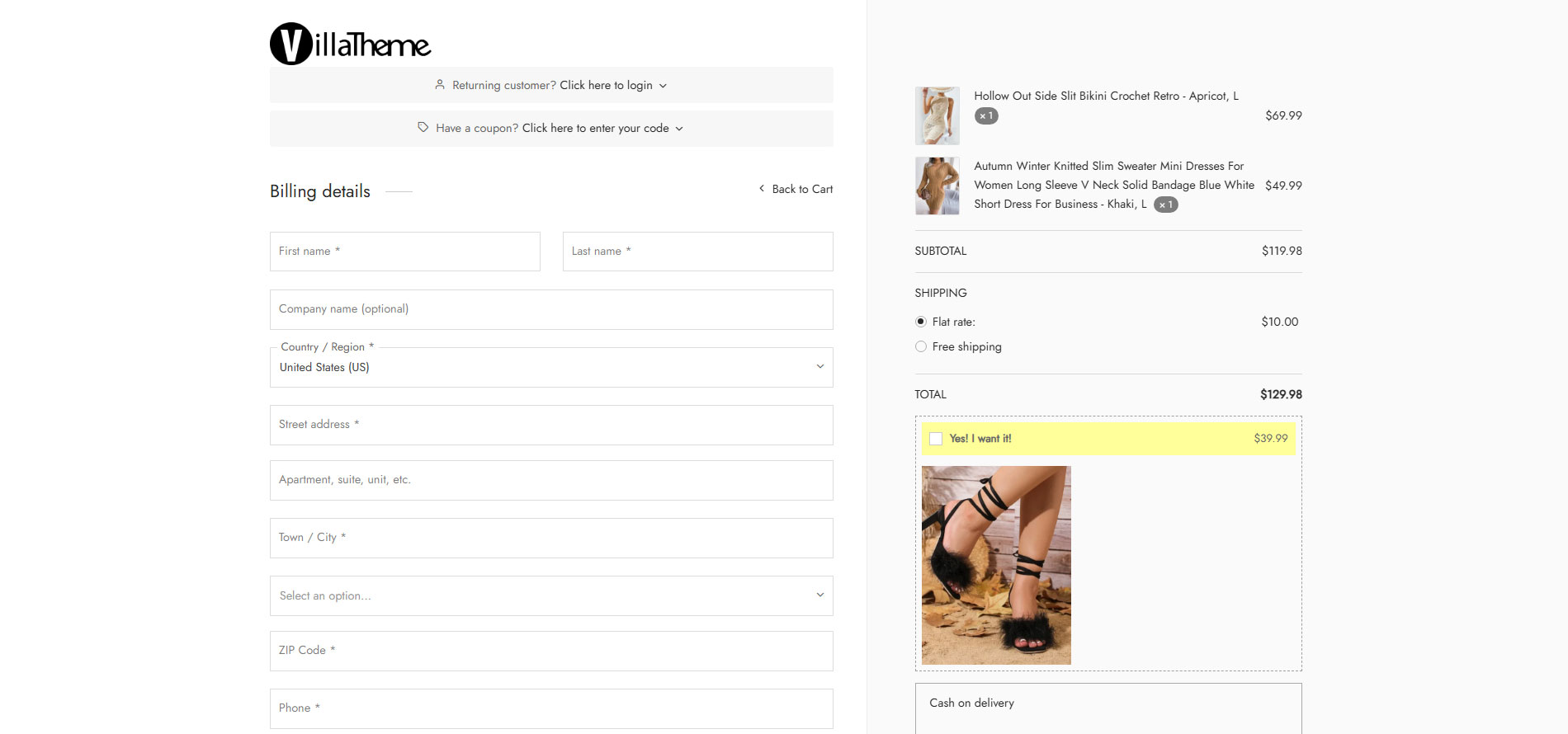
WooCommerce Order bumps help to give the products on the checkout page, that the shoppers can add to their cart. They’re usually related products that complement what the customer is buying. With the smart WooCommerce order bumps, you can easily add an extra offer to the final step of the funnel to boost your sale.
- Unlimited WooCommerce Order Bumps: You can create as many WooCommerce order bumps as you want and assign them to work on your WooCommerce Store.
- Suggest products on the Order Bump: Create the suggestion on the WooCommerce Order Bump from many types of products on your WooCommerce.
- Discount rules for the products on the Order Bumps: Apply the discount type and discount amount for the products that appeared on the WooCommerce Order bump.
- Cart conditions for displaying the Order Bump: Create the cart condition applied to display the WooCommerce Order Bump such as cart total, Cart items, applied coupon, billing address, shipping address.
- Customer conditions for displaying the Order Bump: Limit per day, only logged in, include/exclude user role, include/exclude user. O
- Design the WooCommerce Order Bump: Many options to design the background, title, messages, content, product images on the WooCommerce Order Bumps. In addition, you can use the available shortcode to make the content, messages on the WooCommerce order bump become more flexible.
Report
The plugin provides the reports for all items sold from Upsell Funnel and WooCommerce Order Bumps.
- Total sales: Report about the rate of Sales from WooCommerce Order Bump and Upsell Funnel over the total Sale.
- Best-selling products: Report about the products which are best-selling through Upsell Funnel or WooCommerce Order Bumps.
- Statistics Filter: the statistics based on the filters such as the order status, dates, month.
Compatibility
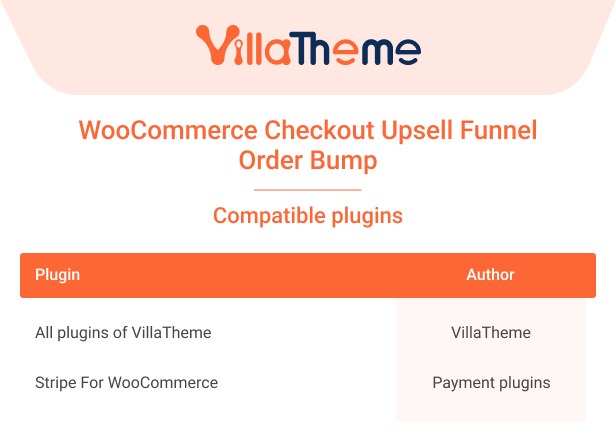
With displaying the Upsell Funnel on the popup and redirected page, the plugin is compatible with:
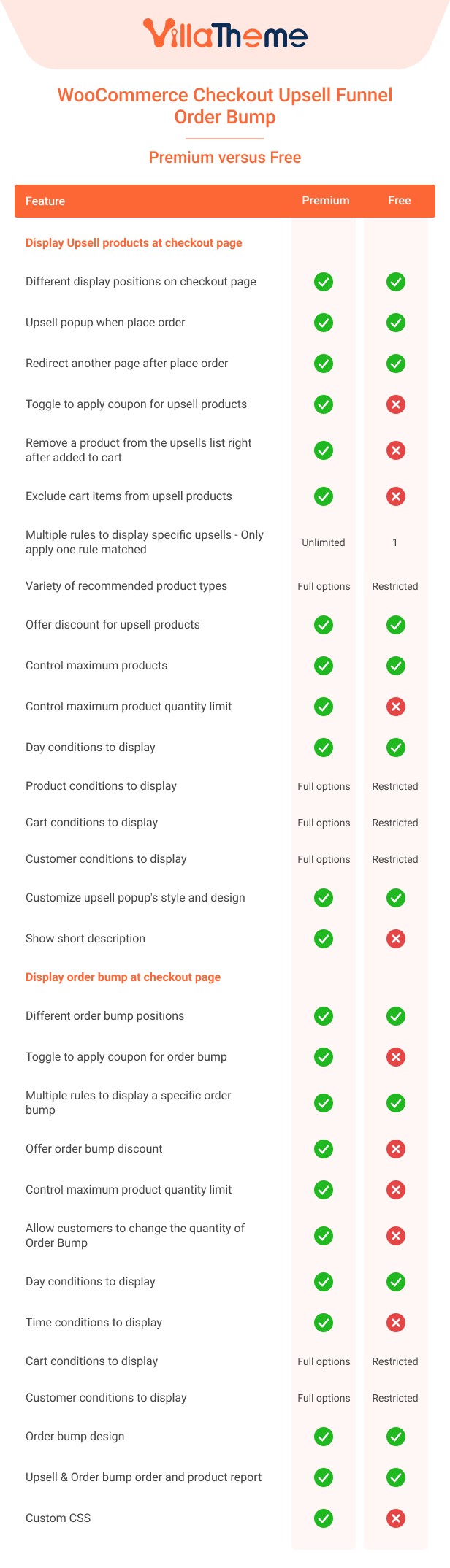
Comparison table of the Free and Premium versions
Preview WooCommerce Checkout Upsell Funnel
Video install and use WooCommerce Checkout Upsell Funnel