
Smarter, More Personalized Coupons with WooCommerce Customer Coupon
WooCommerce’s built-in coupon system provides basic discount functionality, but it quickly becomes limited when you want to target specific customers, automate coupon usage, or control how coupons are displayed across your store.
WooCommerce Customer Coupon enhances the default coupon experience by giving you full control over who can use a coupon, when it’s available, how it’s delivered, and how it appears on the frontend. It allows store owners to create personalized, automated, and well-designed coupon campaigns without relying on manual coupon codes or complex workflows.
The WooCommerce Customer Coupon plugin helps you:
- Target specific customers or customer groups
- Automate coupon application and visibility
- Prevent coupon misuse
- Improve conversion rates with better coupon presentation
- Save time managing promotions
How the Plugin Works
- Once installed and activated, the plugin extends WooCommerce’s coupon system with additional settings and frontend features.
- New configuration options are added directly to the coupon edit page
- Global settings allow you to define default behavior for all coupons
- Coupons can be shown automatically on the storefront or applied without manual code entry
- Customers see relevant coupons at key moments in their shopping journey
Everything is built on top of WooCommerce’s native coupon system, ensuring compatibility and stability.

Key Features of WooCommerce Customer Coupon
Customer-Specific Coupons
Restrict coupons to specific customers by email address, user role, country, order history, or total spend. This allows you to run personalized promotions instead of broad, generic discounts.
Automatic Coupon Application
Coupons can be applied automatically when all conditions are met. Customers don’t need to copy or enter coupon codes manually, reducing friction and improving conversion rates.
Virtual Coupons (Bulk Aliases)
- Generate unique, single-use coupon codes from a parent coupon using the Bulk Aliases feature.
- Virtual coupons inherit all settings from the parent coupon and can be safely distributed to individual customers, making them ideal for email campaigns, compensation coupons, or exclusive offers.
Advanced Coupon Scheduling
Control exactly when a coupon is available. Set start dates, end dates, specific days of the week, and time ranges. This makes it easy to run flash sales, happy-hour discounts, or time-limited campaigns without manual intervention.
Frontend Coupon Display
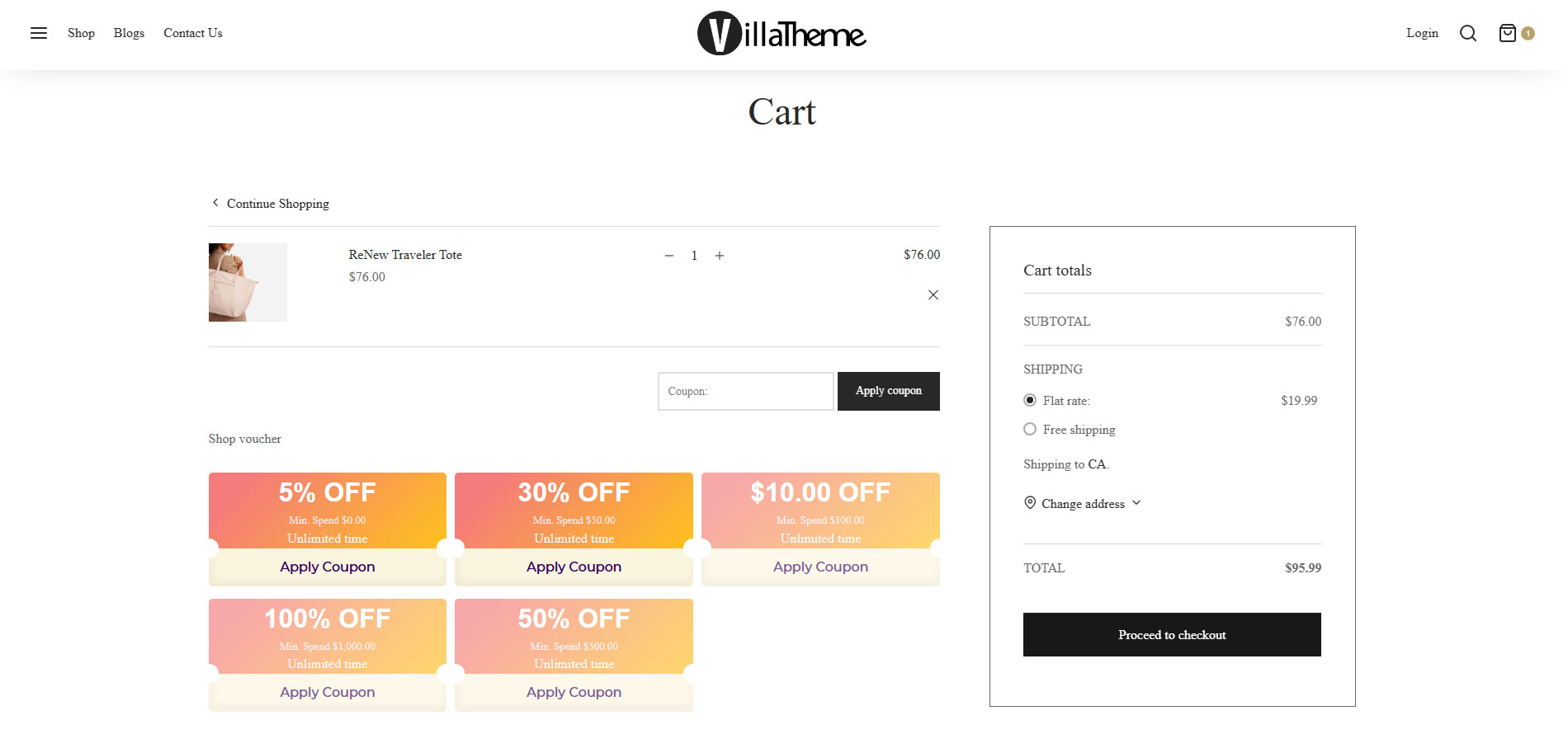
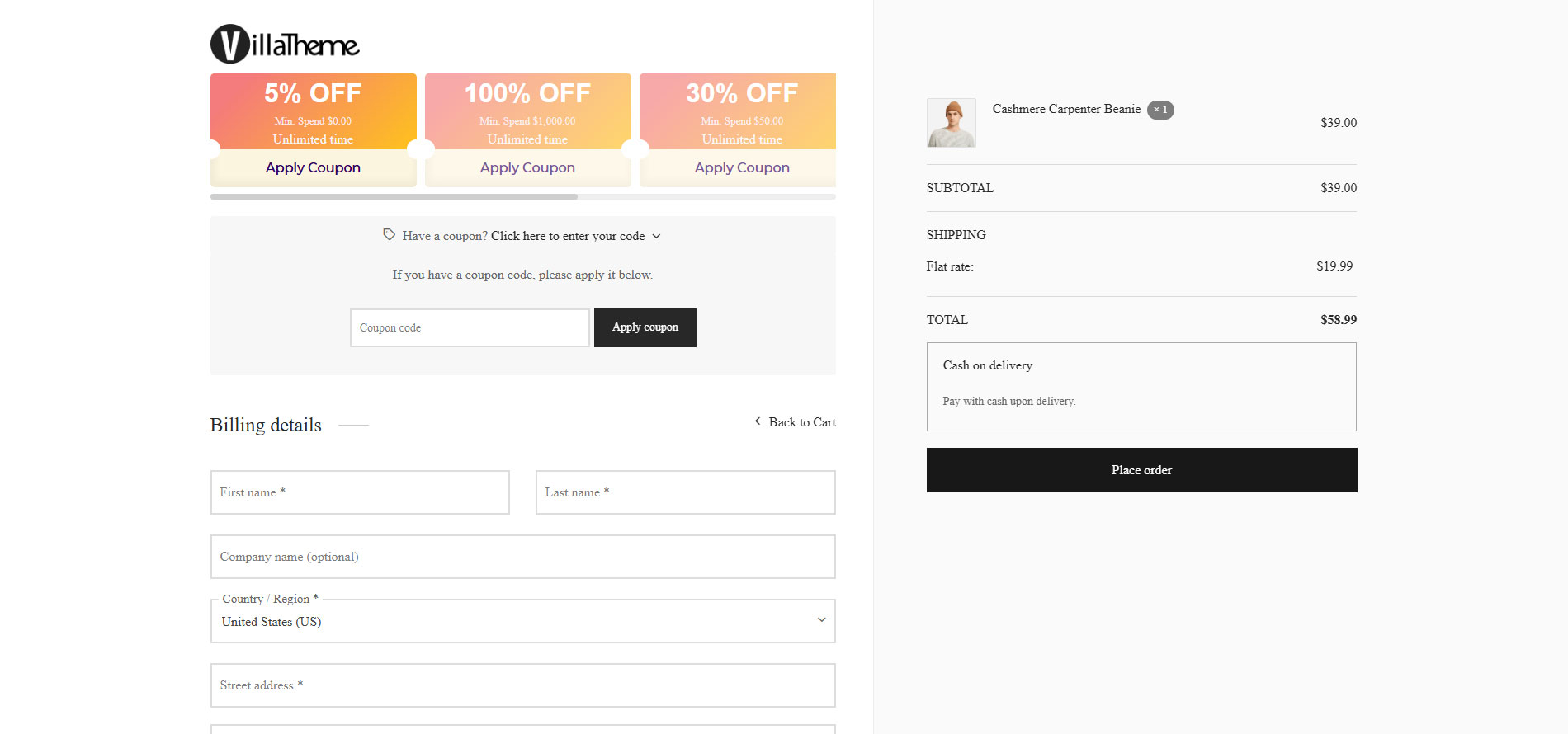
Display coupons directly on your storefront, including: Product pages; Cart page; Coupon lists and voucher layouts
Coupons can be shown automatically to eligible customers, ensuring visibility without disrupting the shopping experience.
Flexible Design and Styling
Customize how coupons look using built-in templates and design options. You can control voucher layouts, colors, badges, progress indicators, and call-to-action buttons, with live previews available for most settings.
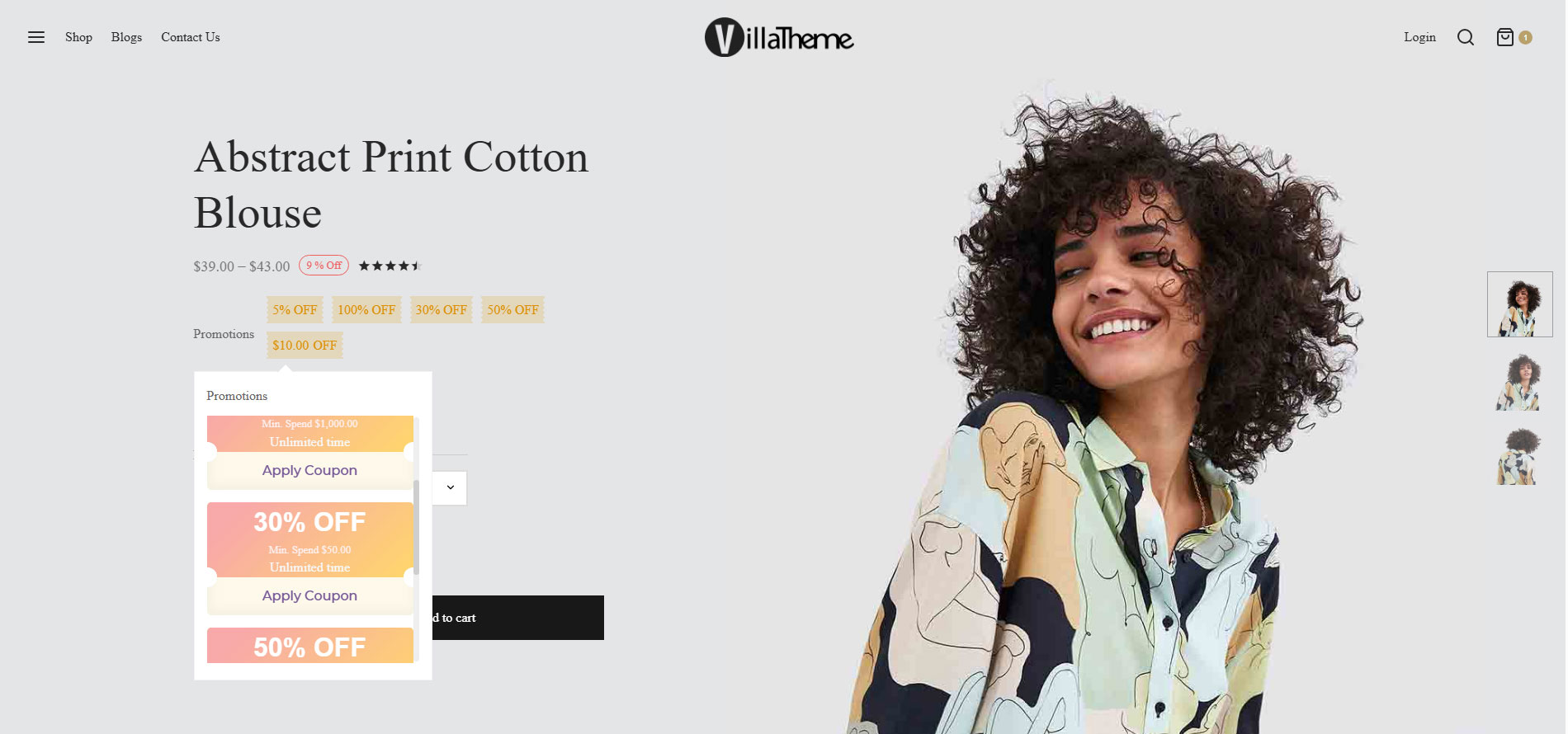
- Coupon Badge on Product Pages: Highlight discounts directly on product archive pages using coupon badges. Badges automatically display the best available coupon for each product, helping attract attention and drive clicks.
- Promotion Messages: Show dynamic promotion messages on single product pages to inform customers about available savings. Optionally display a list of available coupons, ordered by discount value, to encourage customers to take advantage of the best deal.
- Coupon Bar: Use a floating coupon bar to promote discounts across your site. The coupon bar can be triggered by user behavior such as first visit, scroll depth, time on site, exit intent, or existing cart items. You can control its content, appearance, and action behavior, such as applying or copying a coupon.
Coupon Categories
Organize coupons into categories for easier management and better control over coupon display. This is especially useful for stores running multiple campaigns at the same time.
Email Delivery
Send coupons directly to customers via email when a coupon is restricted by customer email and the send email option is enabled. Customize the email subject, content, and call-to-action button using supported placeholders and live previews.
Shortcode Support
Use shortcodes to display coupons, promotion messages, and coupon lists anywhere on your site.
WooCommerce Customer Coupon transforms basic coupon codes into powerful marketing tools.
By combining customer targeting, automation, flexible design, and advanced display options, the plugin helps you create smarter promotions that drive sales and improve customer satisfaction.
Compatible plugins
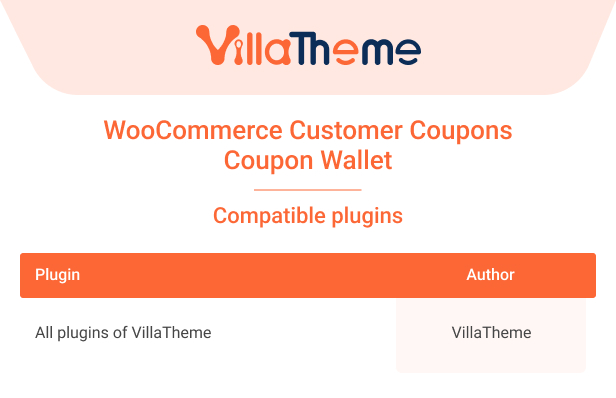
Pro – Free comparison

Watch this tutorial video for how to install and use WooCommerce Customer Coupon


Doug (verified owner) –
Good service.
Stevie (verified owner) –
Very fast delivery.
Una (verified owner) –
Very well worth the money.
Braeden (verified owner) –
Very well worth the money.
Evelyn (verified owner) –
Good service.
Tomas (verified owner) –
Good service.
Timmy (verified owner) –
Good quality.
Neal (verified owner) –
Good service.
Berry (verified owner) –
Good quality.
Darius (verified owner) –
Very fast delivery.